
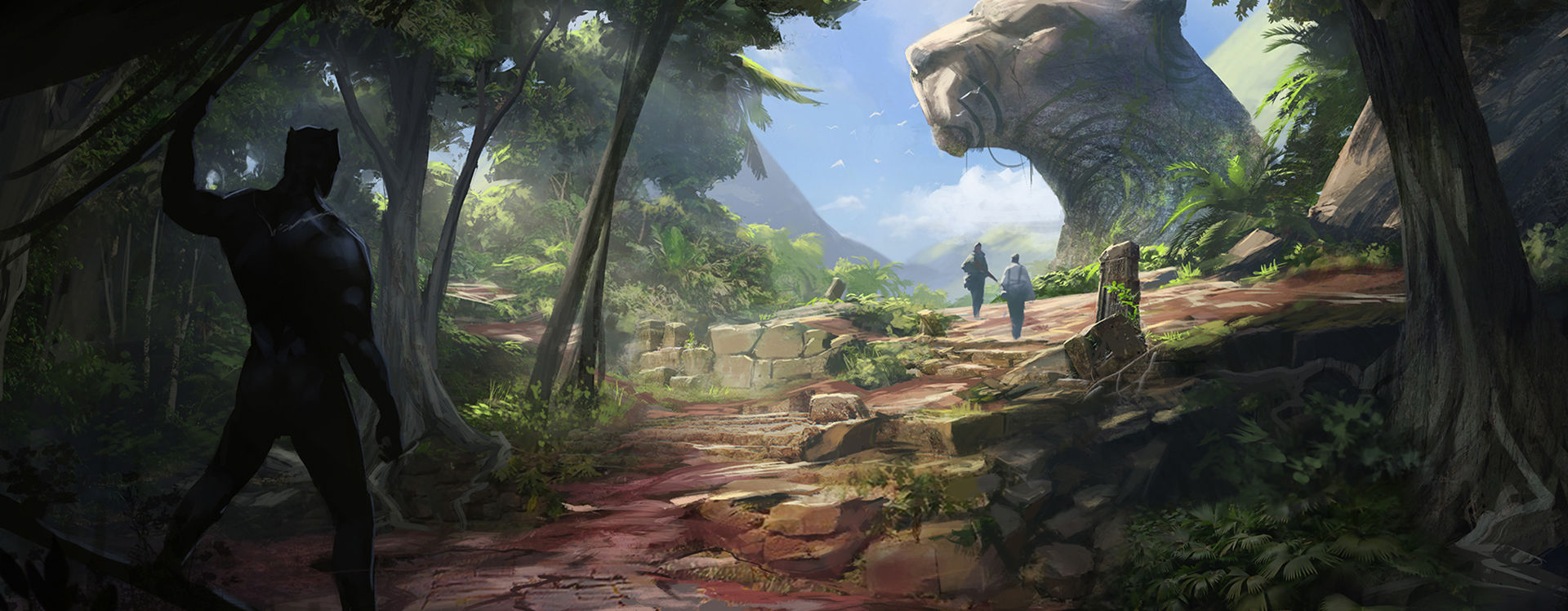
Environment Design Fundamentals
Learn an array of tools and techniques to create immersive and visually-appealing environments.
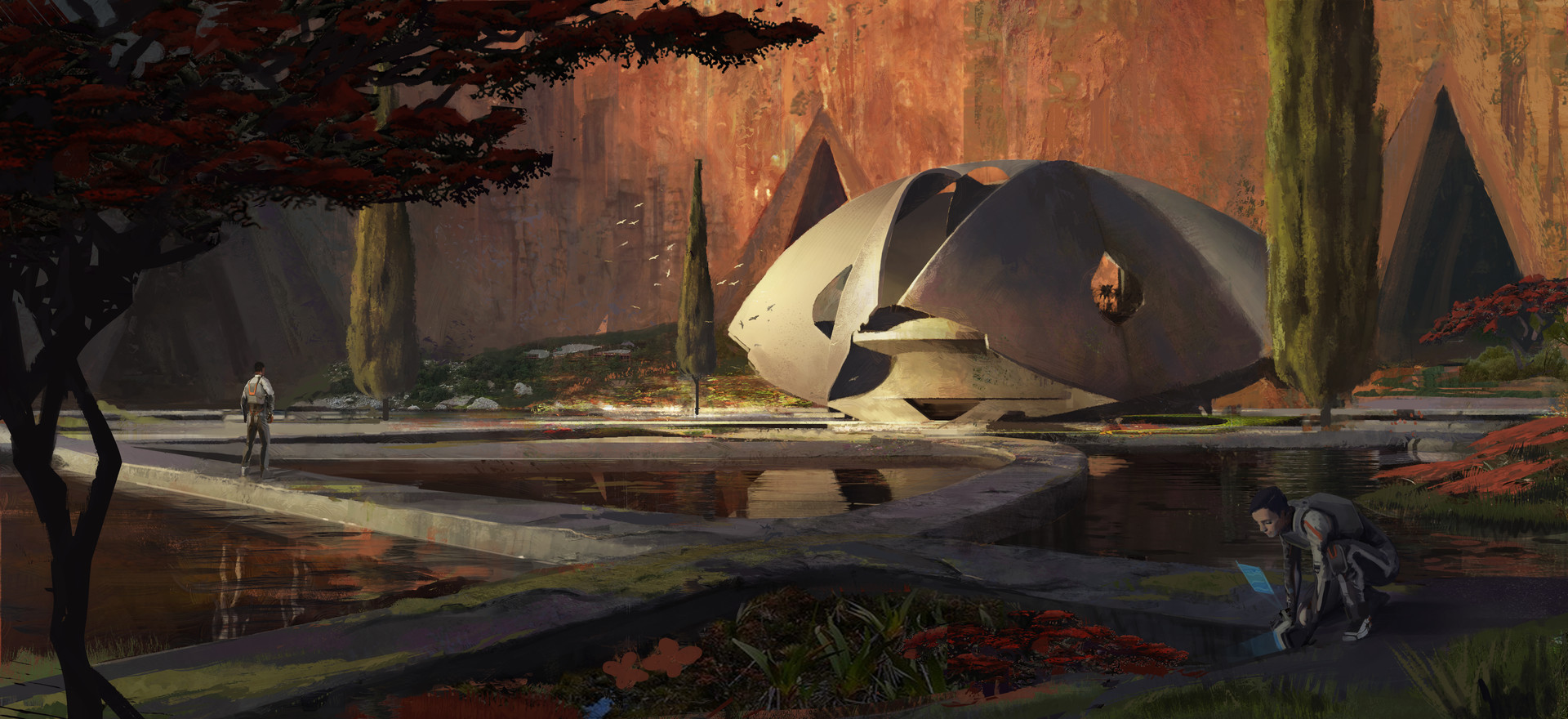
Student Artwork by Samuel Couture

Environment Design Fundamentals
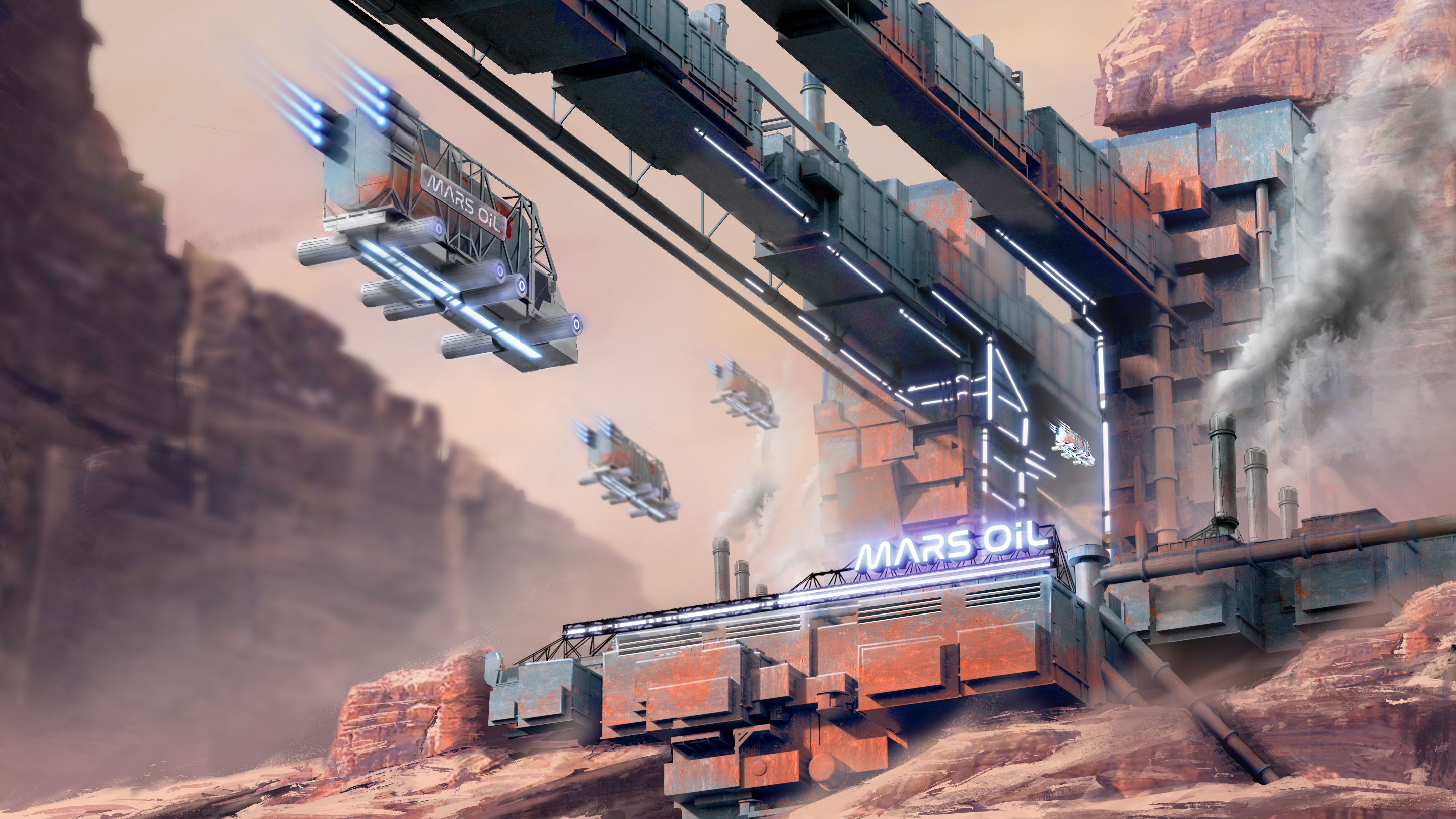
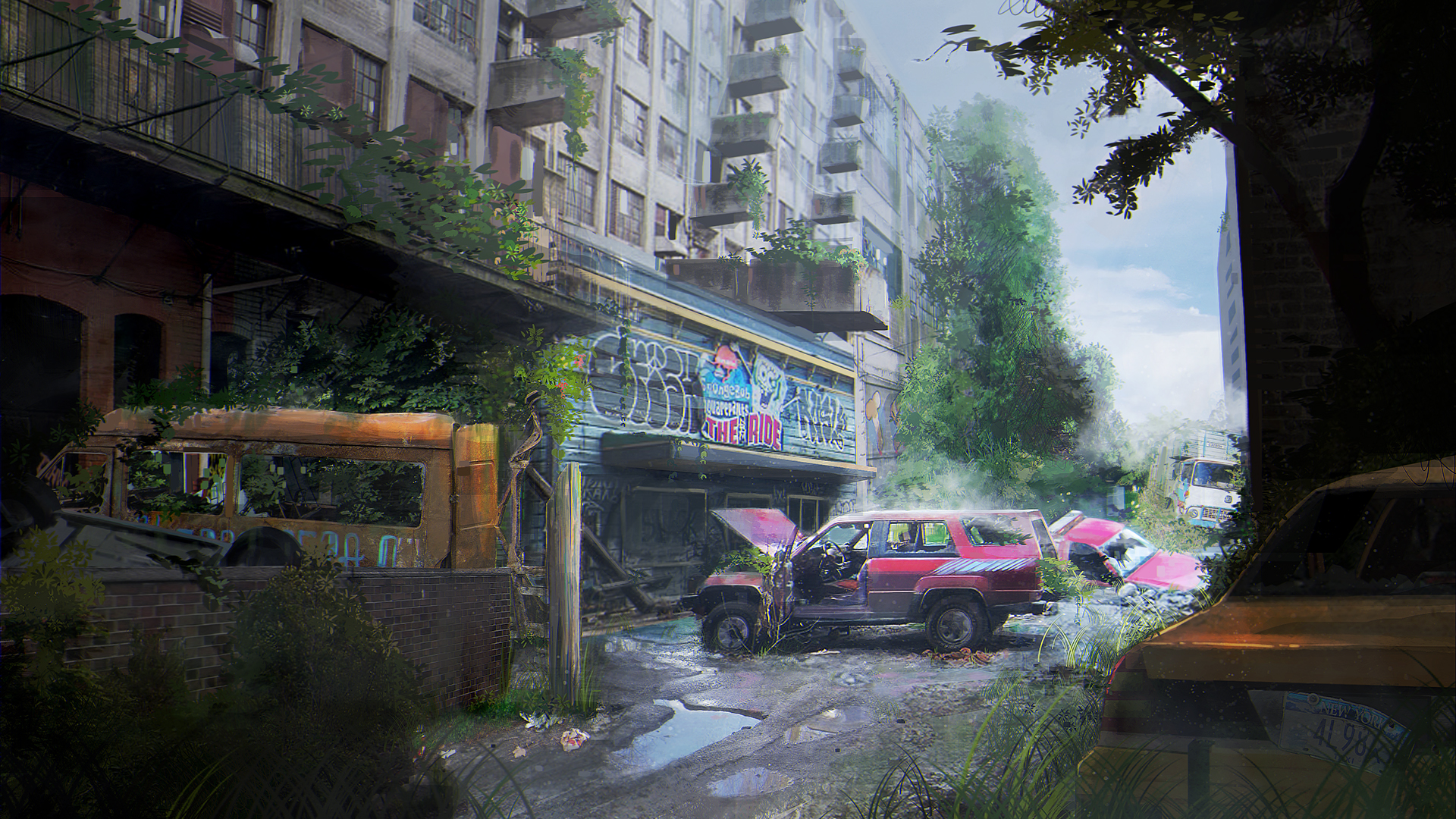
In this class students will be introduced to the process for environment design from start to finish. A process which will stay with them after the course and which they can use to produce consistent personal work and portfolio pieces. This process structure boils down to shape, light and color and everything about the class is structured to support that. Students will also be introduced to interiors and set dressing which is a daily part of being an environment concept artist.
- Course Type Online Concept Art Classes
- Duration 10 weeks
-
Skill Level
Level 2 Level 2
Second level classes are for students who have a good foundation in the basics of realistic drawing (such as perspective, proportion, shading and colour theory) and already know how to use Photoshop, but need more in-depth knowledge to create professional and complex artwork.
This level is about expanding knowledge, strengthening skills, and transitioning to the world of concept art and illustration.
- Language English
Schedule
Online - Fall 2026 - Sundays from 2 PM to 4 PM* EDT - Starts October 4th - 10 weeks with Patricia Duong
Online - Spring 2027 - Schedule TBD - 10 weeks
Please note that we observe Daylight Saving Time, so classes may shift from Eastern Daylight Time (EDT) UTC−4 to Eastern Standard Time (EST) UTC−5 or vice versa during the term.
If you are unable to attend the live online class, you will still have access to video recordings of the class lectures and will still receive personalized feedback from your instructor. However, for Onsite Classes there will be no recordings provided.
It should be noted that students should set aside a minimum of 3 hours per week to complete assignments for this class. Students may even require a bit more time (4-5 hours per week) depending on how quickly they can work through assignments.
*Please note that this class' duration is subject to change (to either 2 hours or 3 hours) depending on the number of enrolled students.
Pre-Requisites
Skill requirements
To enroll in this course you should have:
- Some intermediate drawing and basic digital painting skills (use of proper perspective, proportions, shading and colour).
- Proficiency in all basic Photoshop tools.
- Ideally completed our Digital Painting I, Perspective and Space, and Analytical Drawing classes or have equivalent practice/experience.
If you are unsure of your skill level, please contact [email protected] for additional guidance.
Language and age requirements
You should have at least intermediate level English to take this class. Please be advised that there could be artistic nudity in our classes. Students should be 14 years old to enroll.

Required Materials
Material List:
- A desktop computer or laptop computer ideally with Photoshop installed (OR a similar digital painting program)*
- A graphic tablet with pressure sensitivity (from brands such as Wacom, Huion, or Xencelabs), OR a tablet-laptop hybrid (also with Photoshop installed) with pressure sensitivity (such as the Wacom Cintiq Companion or Microsoft Surface Pro).
- PureRef (free software)
* Please note that teachers cannot provide any assistance with other programs, and they may not possess the same functions as those found in Photoshop. For more information and to learn how to acquire Photoshop, please consult our FAQ.
Important note:
Please note that the vast majority of our digital classes are taught using Adobe Photoshop and that this is also the recommended program for students to use. You may consult our FAQ for more information on other software which may be potentially used for class, however, please note that no technical assistance will be provided by instructors on the use of alternative painting software as they may not be familiar with the program.
Please ensure that all of your hardware and software are functioning properly before the start of the term; there will not be any time to resolve technical issues in class.
*Please consult our Tech Requirements below for more precise computer specifications.
Tech Requirements for Attending Syn Studio Online Classes
Minimum Requirements
- A strong uninterrupted broadband wired or wireless (3G or 4G/LTE) connection with a minimum 600kbps bandwidth (up/down).
- A Laptop/Desktop computer equipped with a single core processor (at least 1 GHZ processing speed) or a smartphone/tablet with equivalent processing capabilities
- Good speakers/earphones to listen to the classes
- Browser - IE7+, Safari 5+, Firefox, Chrome
- Operating System - Windows XP, Mac OS 10.6, Linux distro based on 3.0 kernel, Android 5.0, iOS 10
Syn Studio Recommendations
- A strong uninterrupted broadband wired or wireless (3G or 4G/LTE) connection with a minimum 1.5Mbps bandwidth (up/down). You can also connect to the internet directly using your ethernet cable to improve your experience.
- Laptop/Desktop computer equipped with a dual core processor with at least 2 GHZ processing speed and a 4 GB RAM
- High Quality speakers/earphones to listen to the classes
- Browser & Operating System - We recommend using the latest version of the browser and operating system for an optimal online classroom experience.
Course Outline
*Please note that the following outline is subject to change slightly at the teacher's discretion.
Week 1
Intro to the first pillar of the environment design process; shapes and shape design. Analysis of masters and the way they used shapes to create their images. The importance of using reference.
Week 2
Intro to composition principles; rule of thirds and image breakdown, focal point placement, different types of compositions and their uses. Intro to the second pillar of the process, light; part one, ambient lighting and atmospheric perspective.
Week 3
Perspective and camera angle recap. Introduction to light part two, direct lighting. Introduction to shape design and detail distribution using and rule of thirds.
Week 4
Guide to reference gathering - what is a good reference. Rendering in the full value range and value grouping. High key and low key concepts. Edge control using values. Using rule of thirds for value distribution. Using values to highlight the focal point.
Week 5
Brief colour theory. (monochromatic, complementary and analogous colour palettes). How colour affects the mood of your image. How to find a good naturalistic colour palette reference.
Week 6
Hacking interiors and set dressing. How different is approaching interiors from exteriors and how can we use the composition and design principles discussed so far to make interior paintings. What is set dressing and what is it used for in the industry.
Week 7
Interior details, the things that make spaces look real. Interior lighting and the purpose behind it for different needs. Material value differences and reactions to light. Diffused vs hard and bounced light effects on interiors.
Week 8
Introduction to final project. Introduction to the main elements of the final brief exercise; mood, setting, focal point and architectural style. Making reference boards and reference categories. Layer organisation. How a simple narrative before you start the painting could help bring everything together.
Weeks 9
Detail hierarchy and rule of 3s. How did the masters distribute detail.
Demo: using the graphic sketch from week 8 as a clipping mask to colour it using a colour reference. How to use photo textures to enhance details and the different blending modes.
Homework: Pick one of the 4 thumbnails and push it into colour.
Weeks 10
What are the daily requirements of an environment concept artist, advice for future studying. Final Critique
Registration
You will soon receive an email receipt for your purchase.
Please bring a photo ID for the first day of class.
Your transaction was not completed. Please try again. If the problem persists, please email us at [email protected] or call us at 514-998-7625
Testimonials
Questions and Assistance
Feel free to send us an email at [email protected] or give us a call at 514-998-7625
Please consult our FAQ; most of the commonly asked questions are answered in detail there. If you cannot find the answer to your question, please feel free to fill out the form below, or, send an email to [email protected]