

Digital Painting II – Colour and Light
Learn the essential tips, tricks and techniques of Photoshop to create realistic and visually appealing digital paintings!

Digital Painting II - Colour and Light
Students will learn advanced colour theory, lighting systems, material rendering, coloured lighting, atmospheric effects, and the use of colour/light for narrative storytelling. By the end of the course, they will create one polished illustration or keyframe with strong lighting, mood, and colour clarity suitable for a portfolio.
Perks & Benefits
- Additional feedback outside class hours - Between classes, you can submit your assignments (even as works-in-progress) on our Moodle platform and receive personalized feedback from your instructor to ensure steady progress.
- Access to class recordings All of our classes are recorded, ensuring that regardless of your time zone or schedule constraints, you have access to lectures, demos, feedback on your work, and resources. Access to these recordings is available for up to 2 months after the class ends.
- Module synergy & preferred rates Maximize your learning experience! If you choose to take 3, 4, or 5 classes within the same module, you will automatically unlock discounted rates and other exclusive benefits. For more information, visit our Intensive Fundamentals Module page.
- Course Type Online Concept Art Classes
- Duration 10 weeks
-
Skill Level
Level 2 Level 2
Second level classes are for students who have a good foundation in the basics of realistic drawing (such as perspective, proportion, shading and colour theory) and already know how to use Photoshop, but need more in-depth knowledge to create professional and complex artwork.
This level is about expanding knowledge, strengthening skills, and transitioning to the world of concept art and illustration.
- Language English
Schedule
Online - Fall 2026 - Thursdays from 6 PM to 8 PM* EDT - Starts October 1st - 10 weeks with Jordan Jardine
Online - Spring 2027 - TBD - 10 weeks with Jordan Jardine
Please note that we observe Daylight Saving Time, so classes may shift from Eastern Daylight Time (EDT) UTC−4 to Eastern Standard Time (EST) UTC−5 or vice versa during the term.
If you are unable to attend the live online class, you will still have access to video recordings of the class lectures and will still receive personalized feedback from your instructor. However, for Onsite Classes there will be no recordings provided.
It should be noted that students should set aside a minimum of 3 hours per week to complete assignments for this class. Students may even require a bit more time (4-5 hours per week) depending on how quickly they can work through assignments.
*Please note that this class' duration is subject to change (to either 2 hours or 3 hours) depending on the number of enrolled students.
Prerequisites
Skill requirements
To enroll in this course you should have:
- Some intermediate drawing and basic digital painting skills (use of proper perspective, proportions, shading and colour).
- Proficiency in all basic Photoshop tools.
- Ideally completed our Intro to Digital Painting and Analytical Drawing classes or have equivalent practice/experience.
If you are unsure of your skill level, please contact [email protected] for additional guidance.
Language and age requirements
You should have at least intermediate level English to take this class. Please be advised that there could be artistic nudity in our classes. Students should be 14 years old to enroll.
Minimum Artistic Skills Required
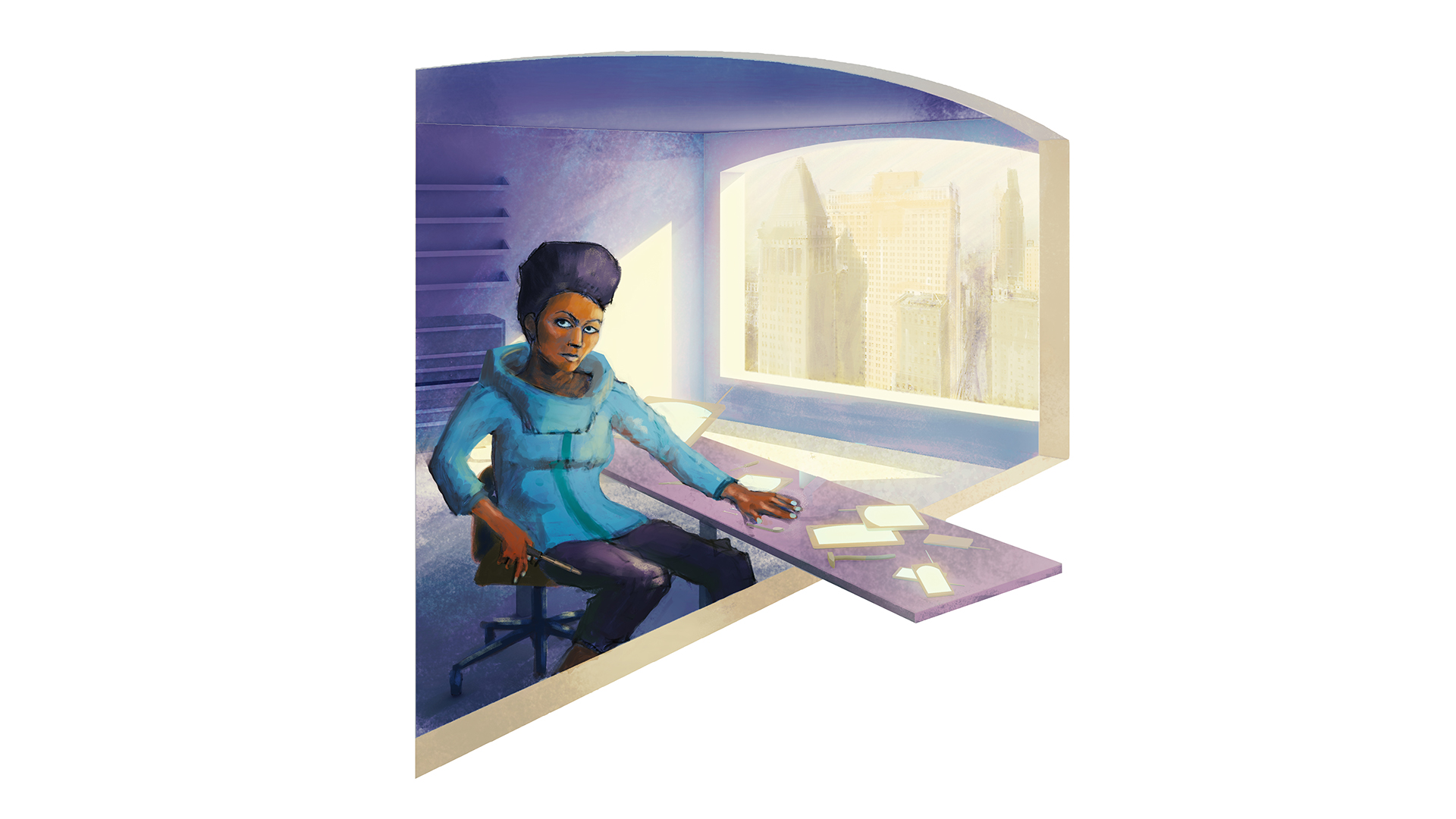
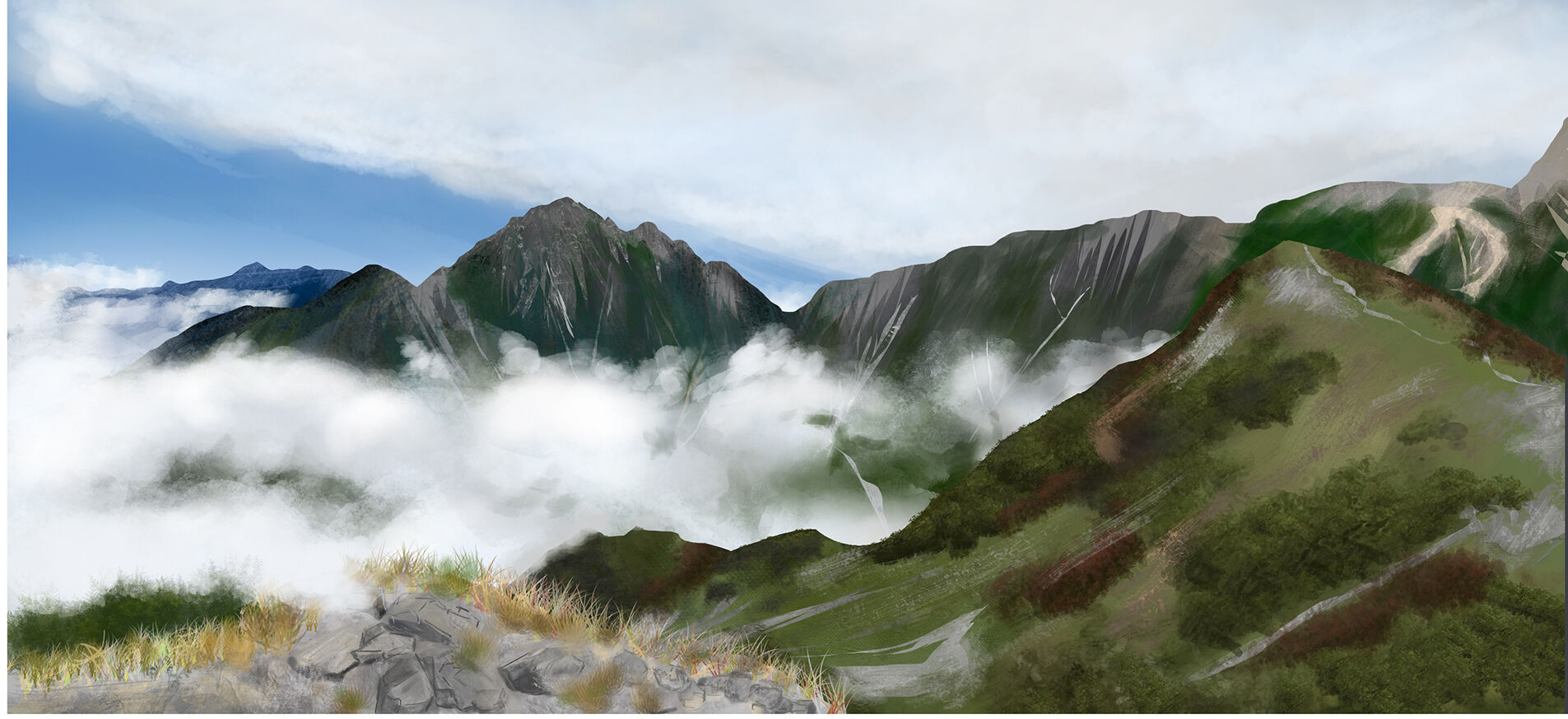
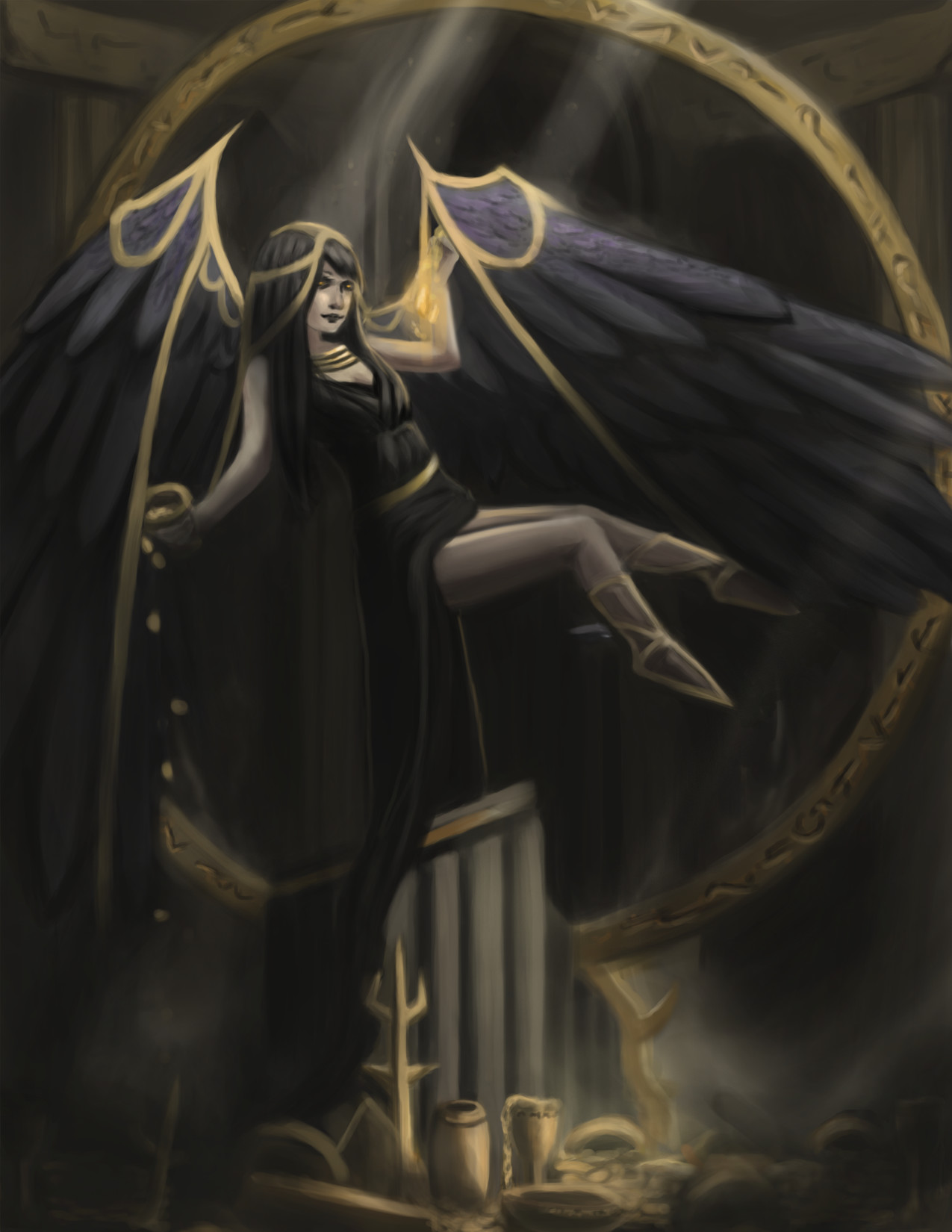
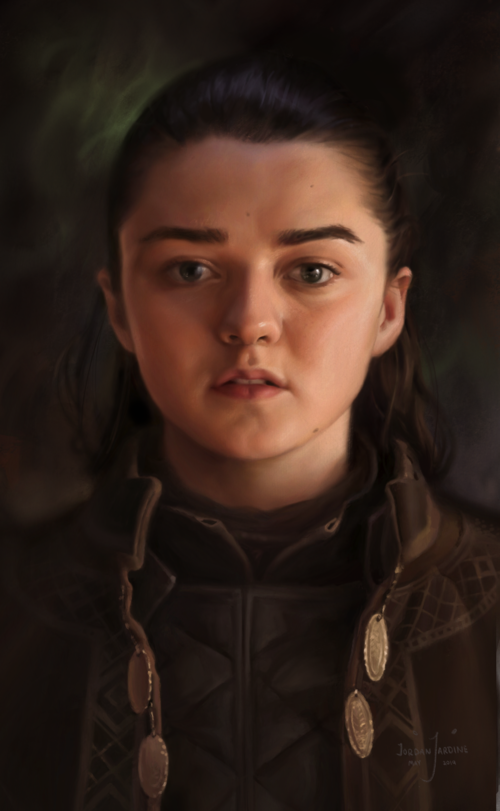
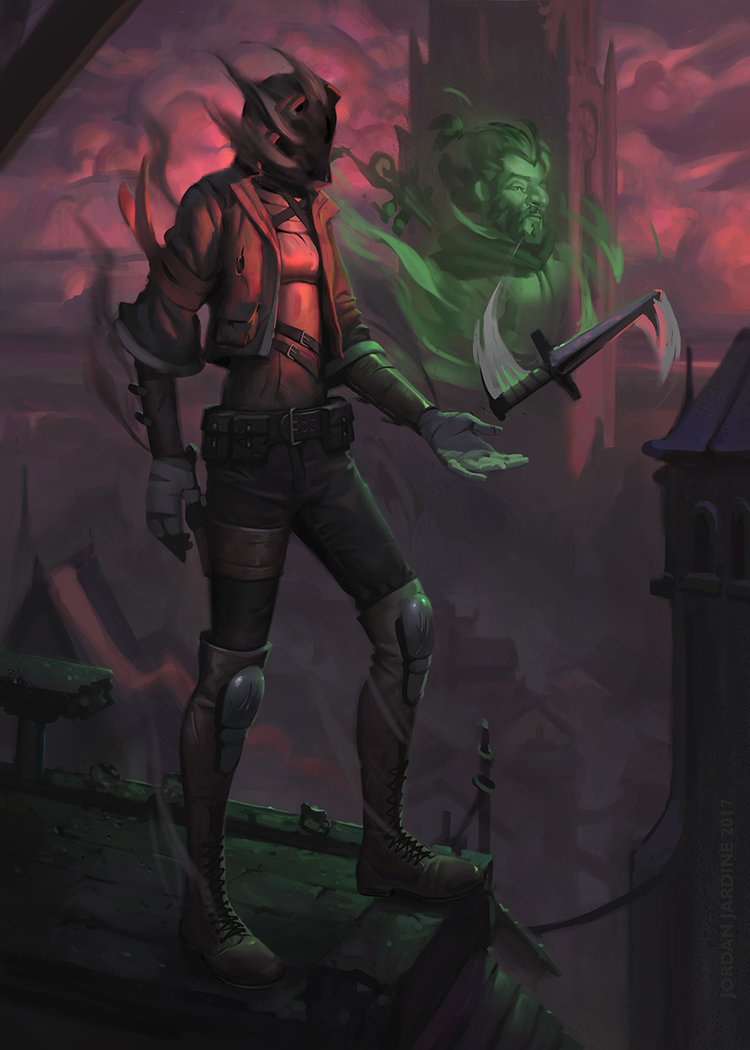
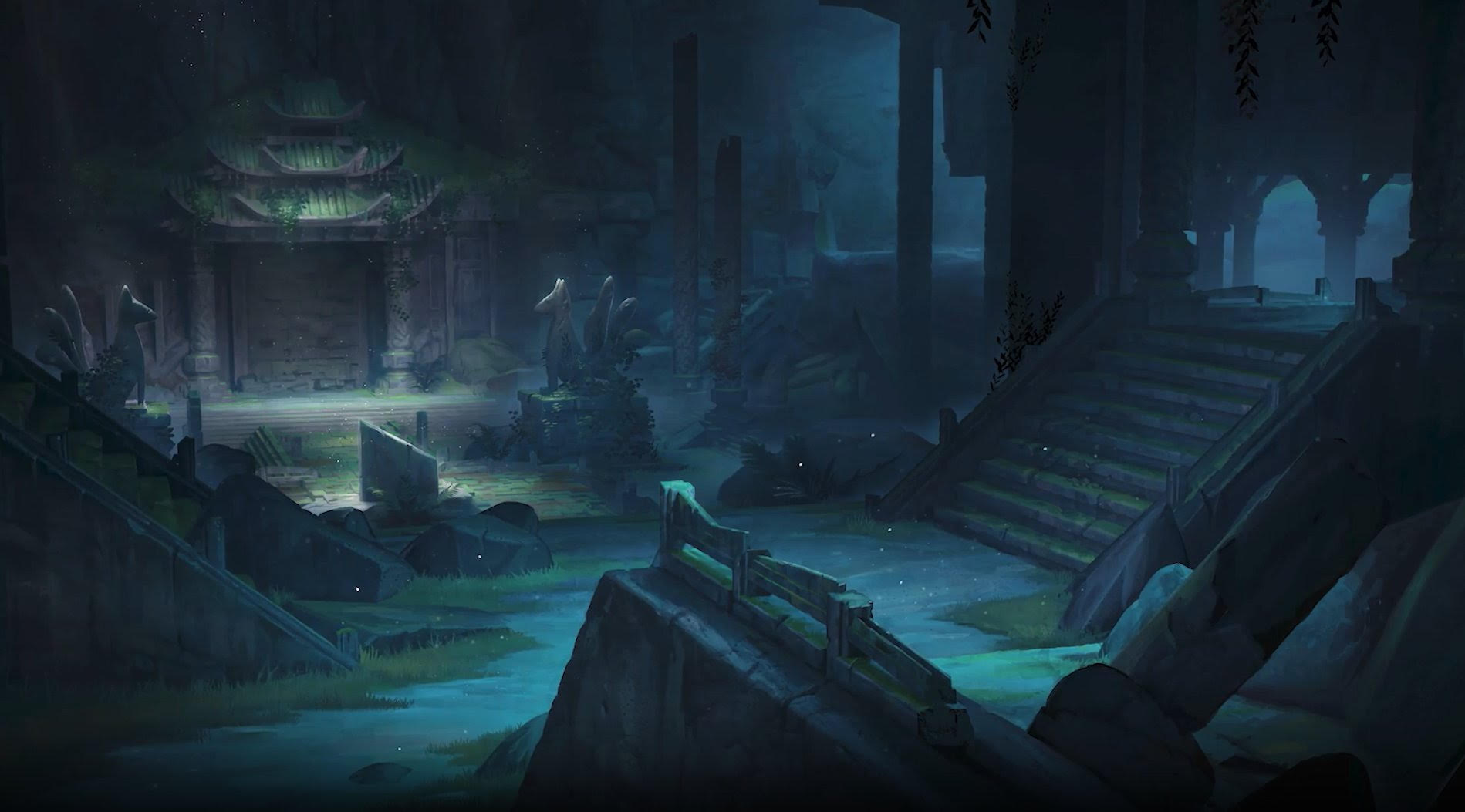
Your current skill level should roughly be on par with the artwork featured here before taking this class. If you are still unsure, please send an email to [email protected]; we will be happy to assess your artwork!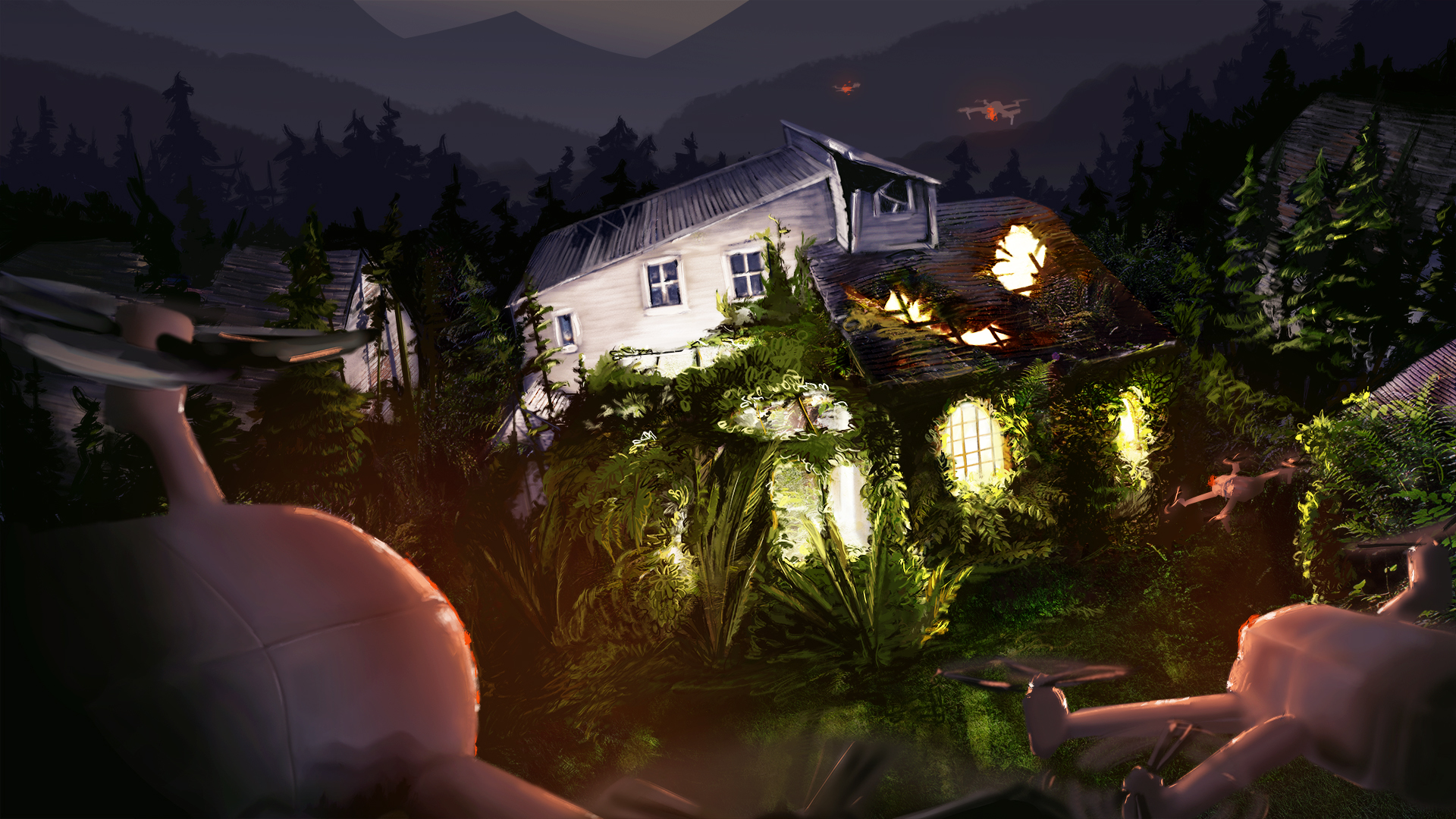

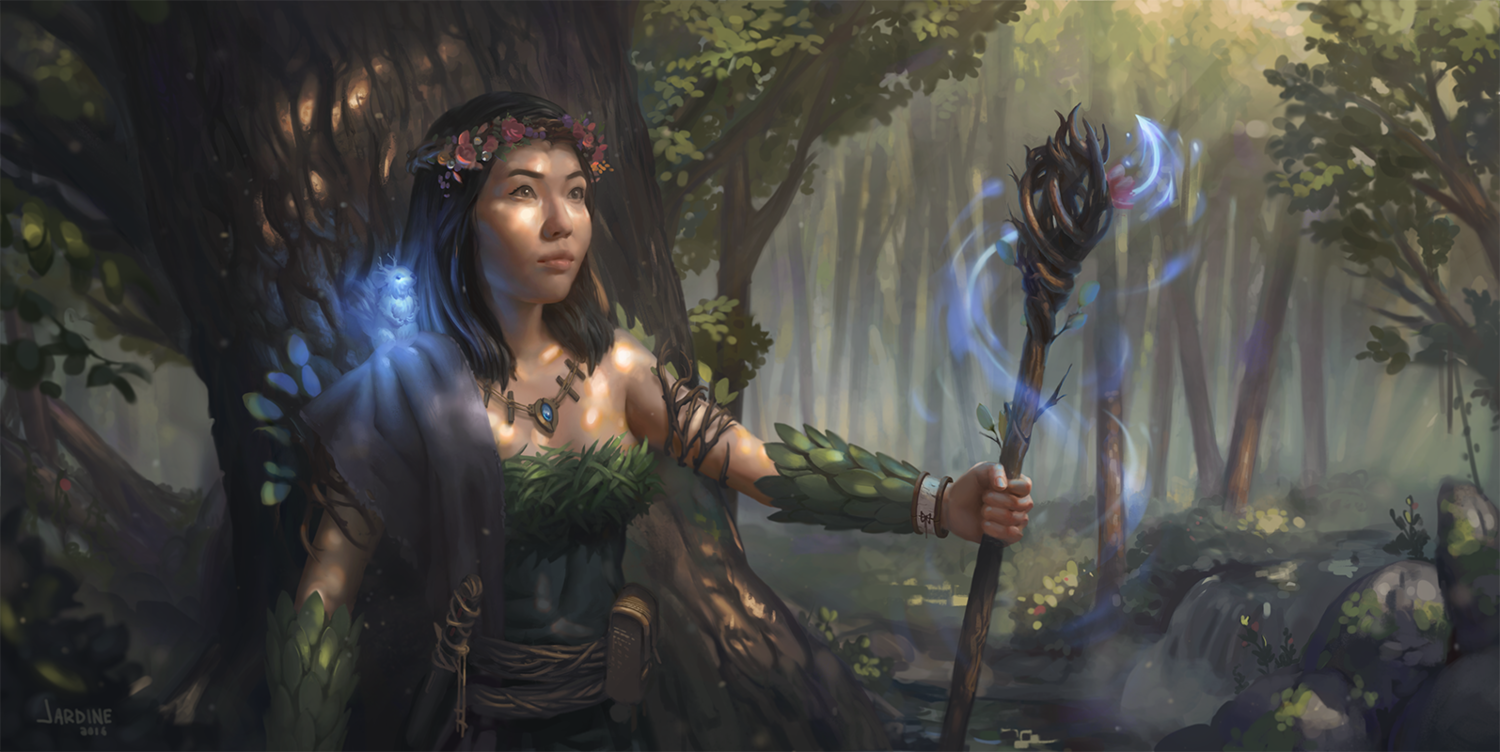
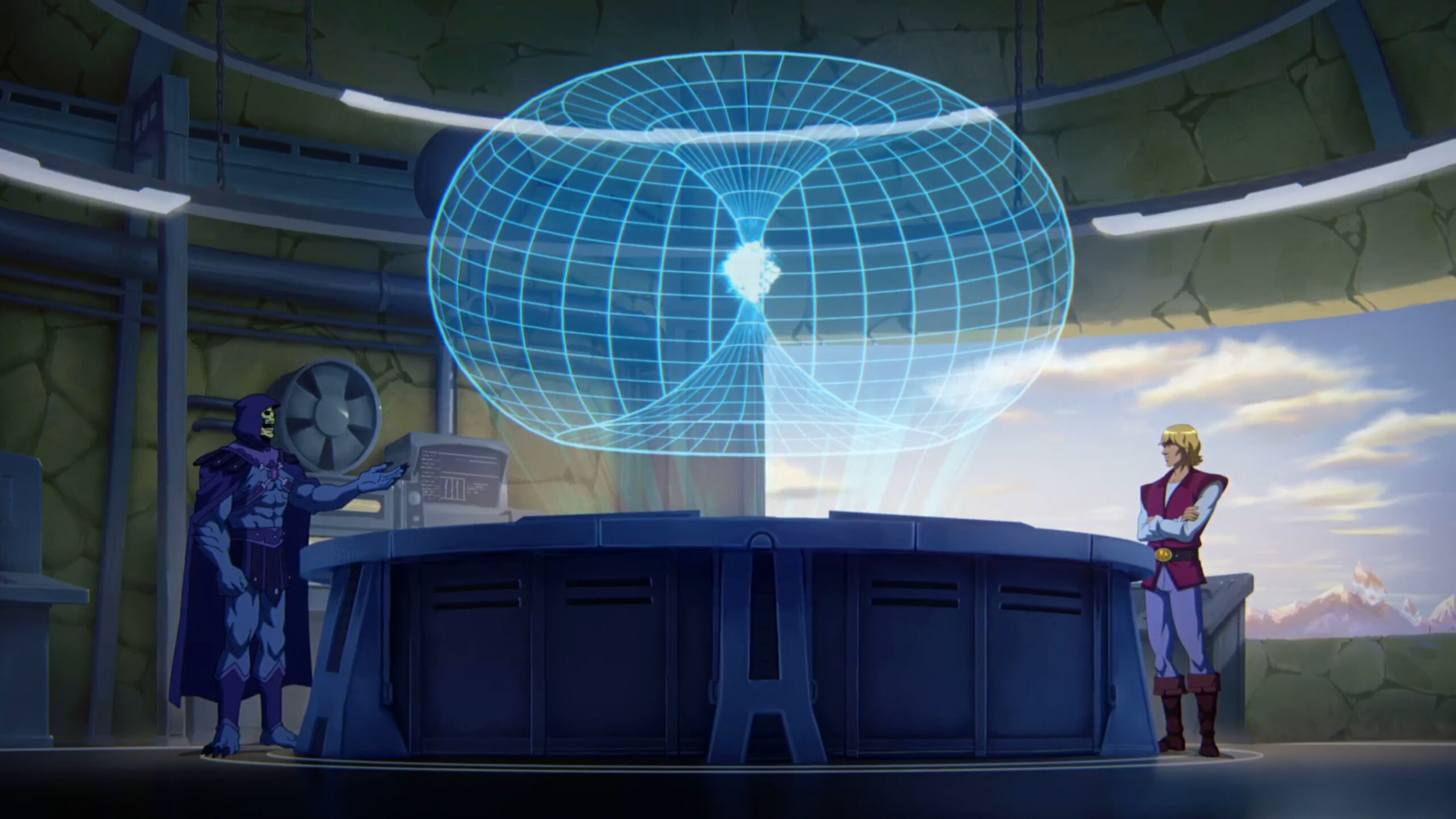
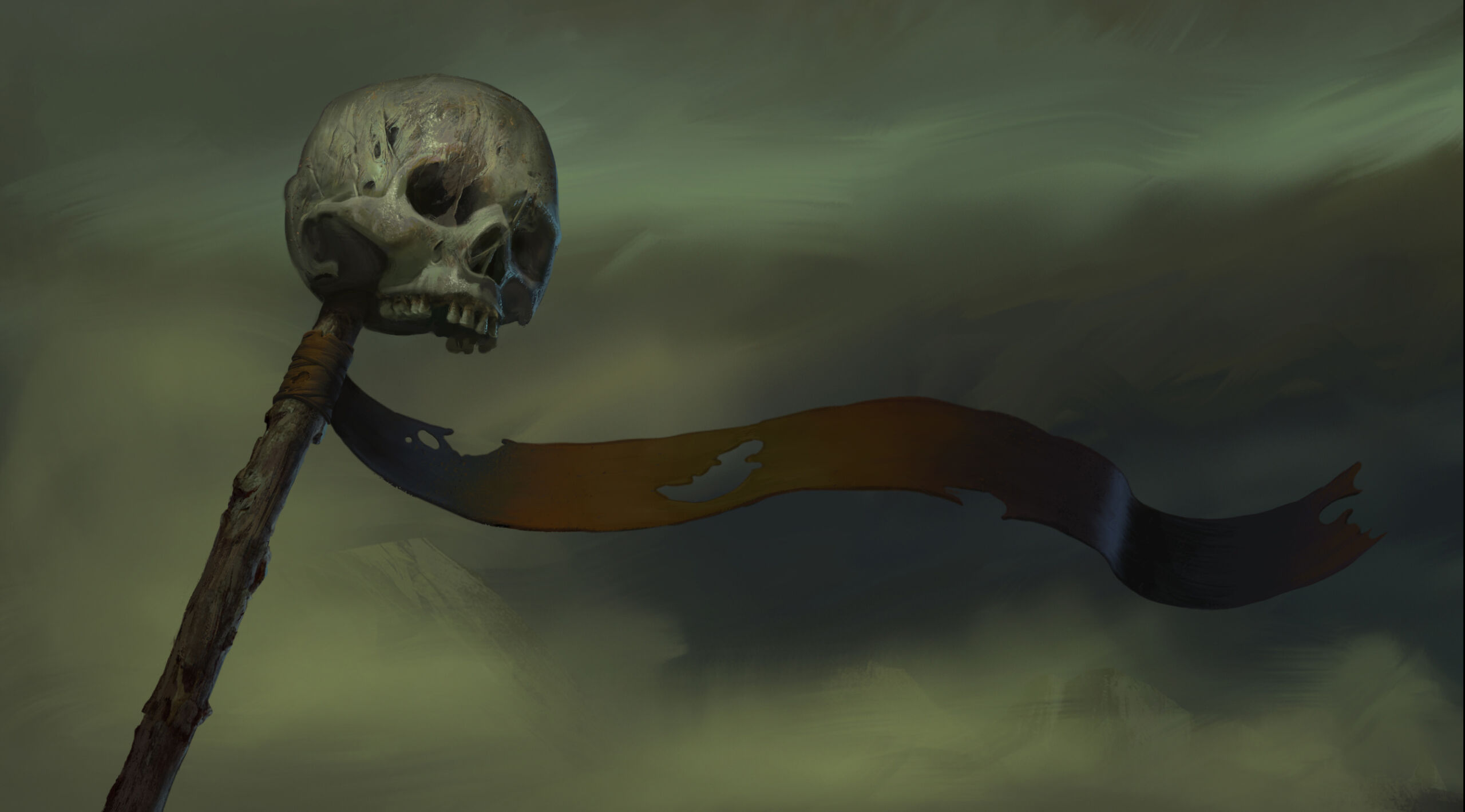
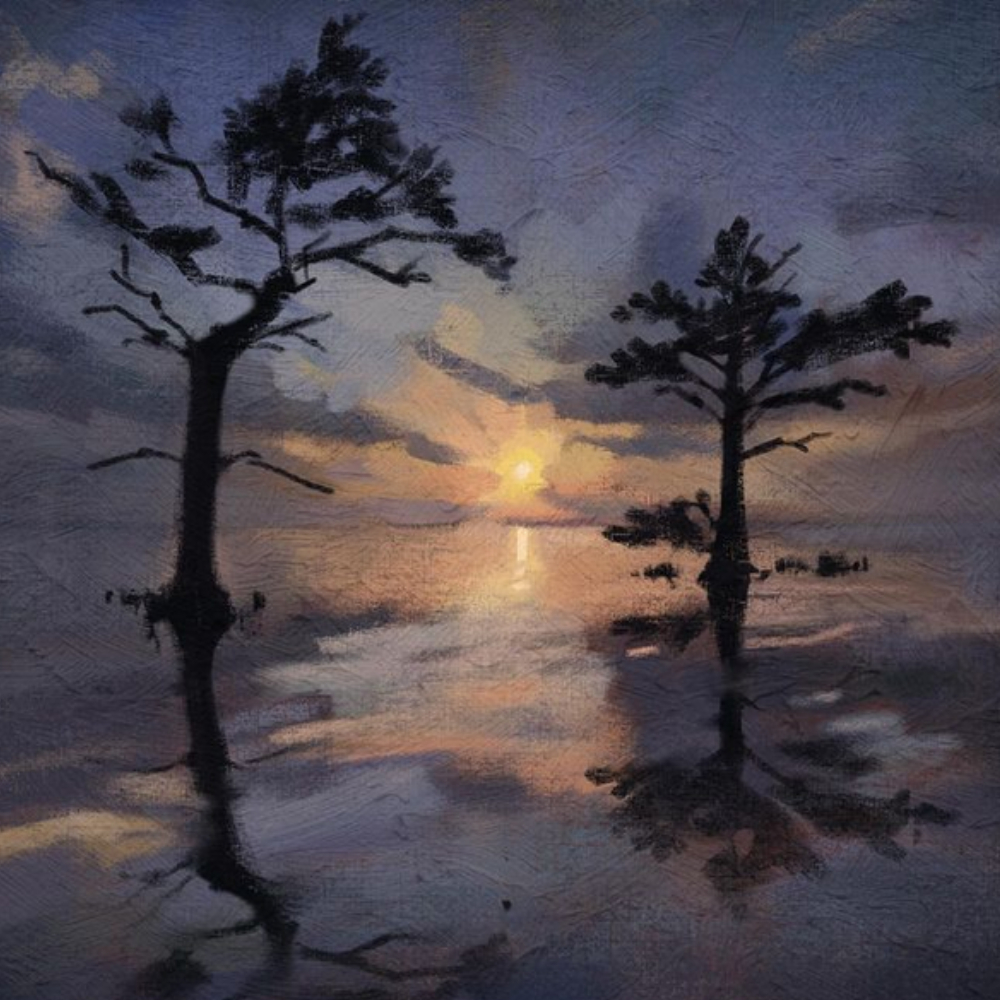
Required Materials
Material List
- A desktop computer or laptop computer ideally with Photoshop installed (OR a similar digital painting program)*
- A graphic tablet with pressure sensitivity (from brands such as Wacom, Huion, or Xencelabs), OR a tablet-laptop hybrid (also with Photoshop installed) with pressure sensitivity (such as the Wacom Cintiq Companion or Microsoft Surface Pro).
* Please note that teachers cannot provide any assistance with other programs, and they may not possess the same functions as those found in Photoshop. For more information and to learn how to acquire Photoshop, please consult our FAQ.
Important note:
Please note that the vast majority of our digital classes are taught using Adobe Photoshop and that this is also the recommended program for students to use. You may consult our FAQ for more information on other software which may be potentially used for class, however, please note that no technical assistance will be provided by instructors on the use of alternative painting software as they may not be familiar with the program.
Please ensure that all of your hardware and software are functioning properly before the start of the term; there will not be any time to resolve technical issues in class.
*Please consult our Tech Requirements below for more precise computer specifications.
Tech Requirements for Attending Syn Studio Online Classes
Minimum Requirements
- A strong uninterrupted broadband wired or wireless (3G or 4G/LTE) connection with a minimum 600kbps bandwidth (up/down).
- A Laptop/Desktop computer equipped with a single core processor (at least 1 GHZ processing speed) or a smartphone/tablet with equivalent processing capabilities
- Good speakers/earphones to listen to the classes
- Browser - IE7+, Safari 5+, Firefox, Chrome
- Operating System - Windows XP, Mac OS 10.6, Linux distro based on 3.0 kernel, Android 5.0, iOS 10
Syn Studio Recommendations
- A strong uninterrupted broadband wired or wireless (3G or 4G/LTE) connection with a minimum 1.5Mbps bandwidth (up/down). You can also connect to the internet directly using your ethernet cable to improve your experience.
- Laptop/Desktop computer equipped with a dual core processor with at least 2 GHZ processing speed and a 4 GB RAM
- High Quality speakers/earphones to listen to the classes
- Browser & Operating System - We recommend using the latest version of the browser and operating system for an optimal online classroom experience.
Course Outline
*Please note that the following outline is subject to change slightly at the teacher's discretion.
WEEK 1: Foundations of Colour and Value Hierarchy
Topics Covered: (note: this will be good review for students who have taken Module 1’s class Light, Shadow and Value)
- Review: hue, saturation, value, temperature
- Designing with value before colour
- 3- and 5-value grouping for clarity
- Emotional impact of value structures
- Using “squinting technique” to simplify compositions
Homework:
- 3 black-and-white studies (3-value only) from selected film stills
- Focus on value grouping & mood
WEEK 2: Light Behaviour and Coloured Light
Topics Covered:
- Physics of light: bounce, diffusion, refraction
- Core shadow, reflected light, ambient occlusion
- Colour shifts under warm/cool light
- Local colour vs coloured light
- Realism vs stylization in light decisions
Homework:
- Still life with coloured lights
- Simple Blender light demo (optional integration)
WEEK 3: Colour Thumbnails and Emotional Palettes
Topics Covered:
- Colour poles: bright/dark, saturated/desaturated, warm/cool
- Narrative colour palettes (fear, awe, mystery, peace, tension, etc.)
- Symbolism and cultural colour associations
- How to design mood abstractly before details
Homework:
- Create 6 emotional colour swatch blocks
- Turn 3 into very simple colour thumbnails
WEEK 4: Advanced Lighting Scenarios
Topics Covered:
- Natural, artificial, magical/surreal lighting
- Rim light, bounce light, subsurface scattering
- Day/night and interior/exterior shifts
- Reading lighting in film and games
Homework:
- Paint 3 small film studies (different lighting scenarios)
- Collect 6 references sorted by lighting type
WEEK 5: Material Storytelling through light
Topics Covered:
- How materials interact with light (metal, glass, cloth, skin, wood)
- Specularity and microtexture
- Using light to communicate age/use/context
- Avoiding “texture noise” while keeping clarity
Homework:
- Material studies sheet (4–6 materials)
- Apply material logic to a small object or character prop
*Note - this lesson pairs with some lessons taught in Visual Communication, specifically the class on design language and prop storytelling
WEEK 6: Atmospheric effects and colour depth
Topics Covered:
- Atmospheric perspective
- Colour temperature shifts in depth
- Fog, air particles, humidity, distance cues
- Creating depth without relying on detail
Homework:
- 4 thumbnails using atmospheric techniques
- Optional: revise older thumbnails to improve depth
WEEK 7: Class Portfolio Project - Step 1: Idea, Brief and Value
Topics Covered:
- Creating a personal brief (environment, character moment, mood shot)
- Thumbnails: story, silhouette, mood
- Choosing strong values before introducing colour
- How to communicate narrative visually
Homework:
- 4–6 strong value thumbnails
- Reference board + written brief (2–4 sentences)
WEEK 8: Class Portfolio Project - Step 2: Colour Exploration
Topics Covered:
- Colour keys vs full paintings
- Pushing colour for mood
- Avoiding “local colour traps”
- Lighting to reinforce emotion and story
Homework:
- Produce 2–3 refined colour keys
- Choose one for final illustration direction
WEEK 9: Class Portfolio Project - Step 3: Rendering and Polish
Topics Covered:
- Edges, texture, refinement
- Balancing realism with design clarity
- Layering, glazing, and advanced blending
- How to keep colours alive (avoid “muddy desaturation”)
- Gathering references for polish stage
Homework:
- Continue rendering final painting
WEEK 10: Finalization, Critique and Project presentation
Topics Covered:
- Last 10% polish rules
- Presenting your work professionally
- Colour + light breakdown for portfolio captioning
- How to build a colour/light case study
Final Deliverable:
- One polished colour/light illustration or keyframe
- Optional: process page (colour keys, thumbnails, palette breakdown)
Testimonials
Registration
You will soon receive an email receipt for your purchase.
Please bring a photo ID for the first day of class.
Your transaction was not completed. Please try again. If the problem persists, please email us at [email protected] or call us at 514-998-7625
Questions and Assistance
Feel free to send us an email at [email protected] or give us a call at 514-998-7625
Please consult our FAQ; most of the commonly asked questions are answered in detail there. If you cannot find the answer to your question, please feel free to fill out the form below, or, send an email to [email protected]