

Blender Fundamentals
Beginning to Master 3D Tools to Elevate Your Concept Art Designs
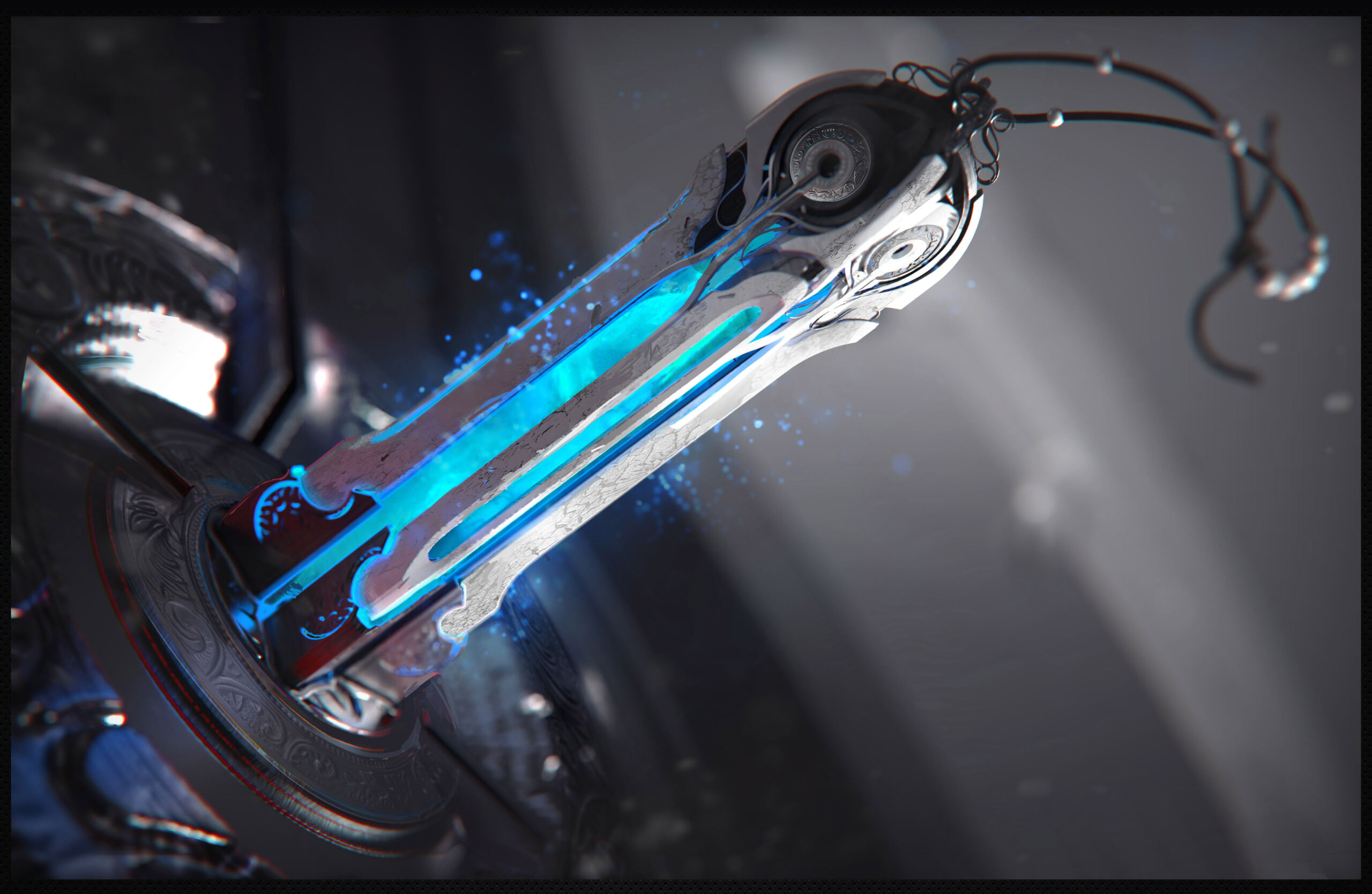
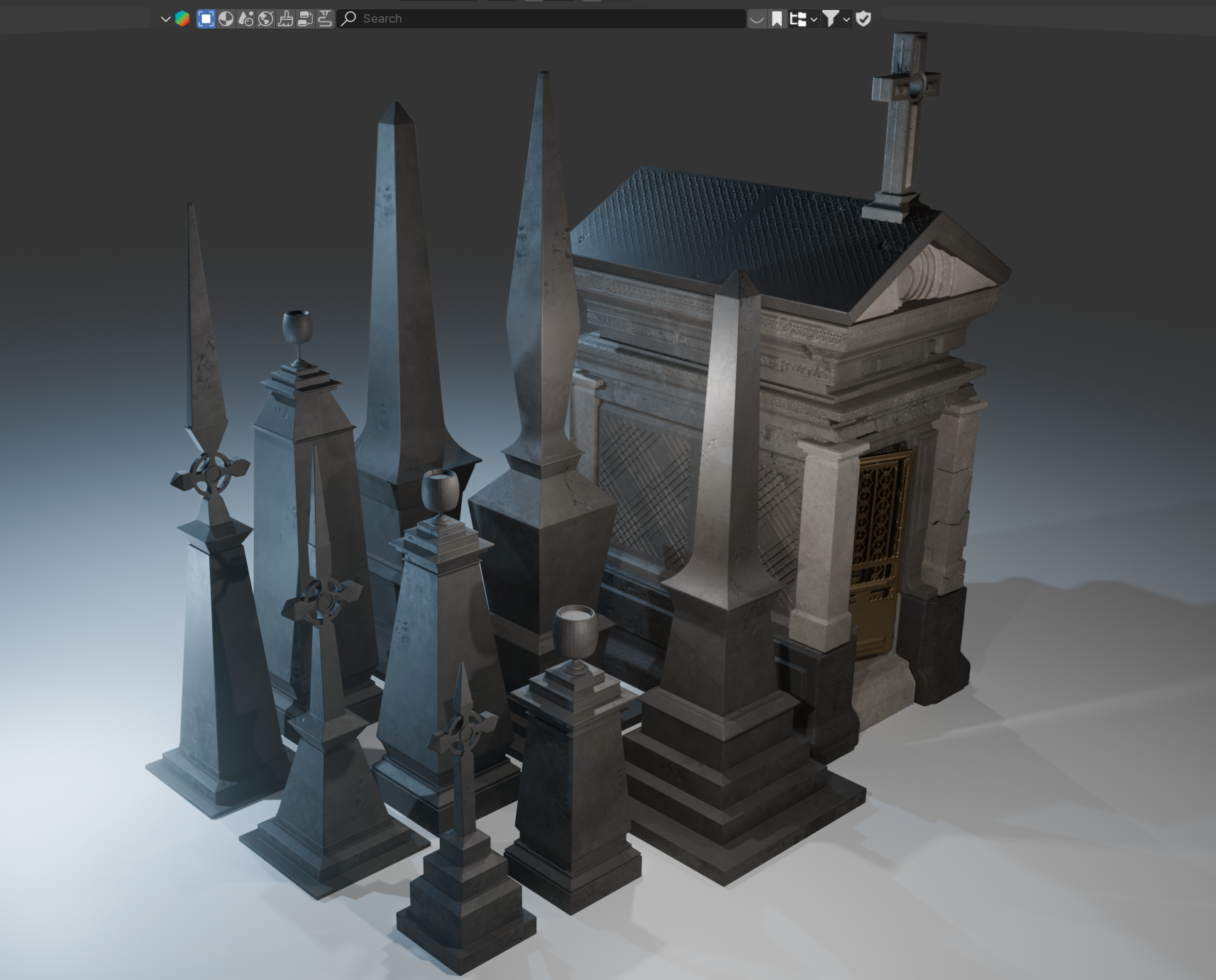
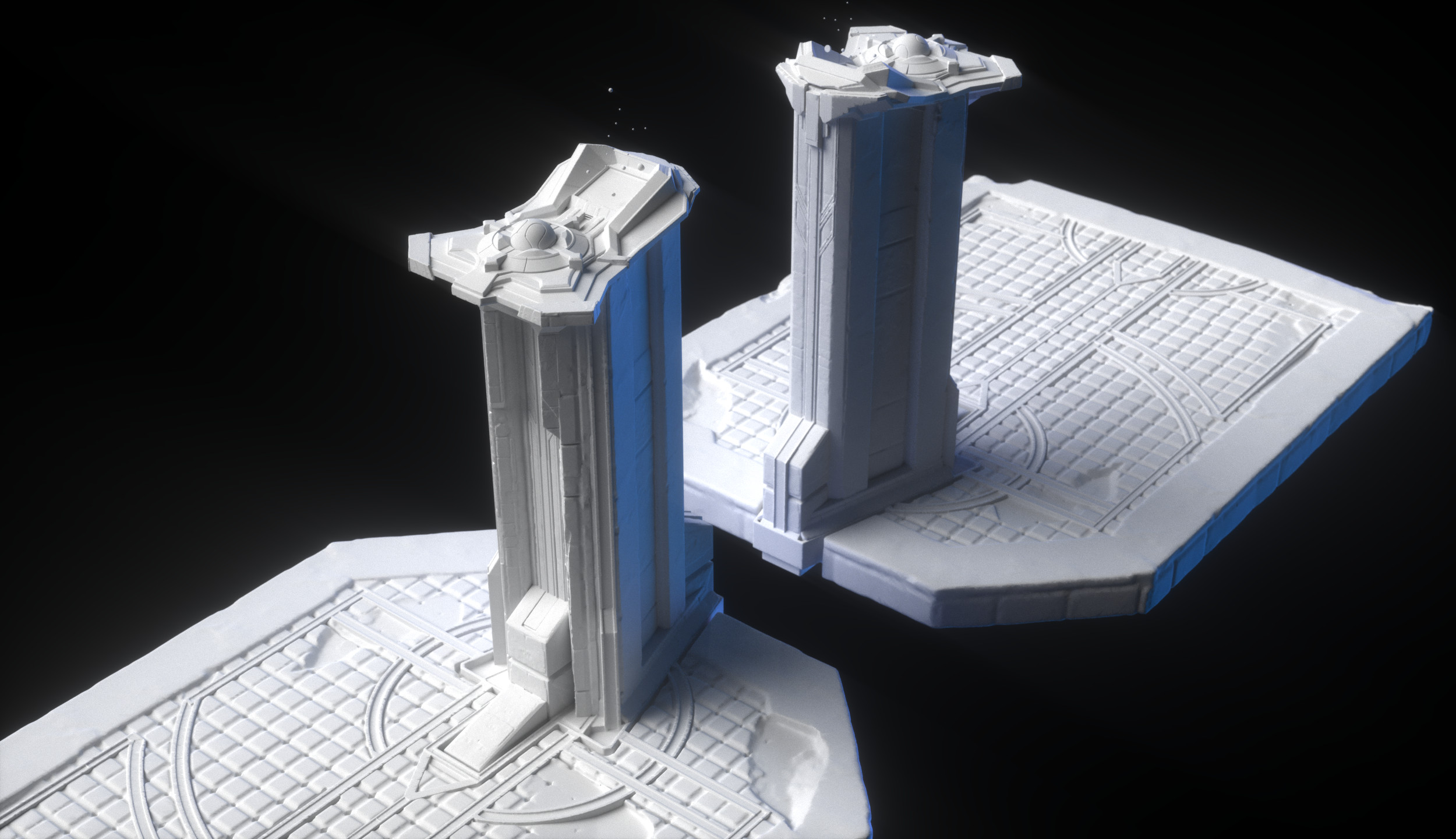
Teacher Artwork by Colin Quigley

Blender Fundamentals
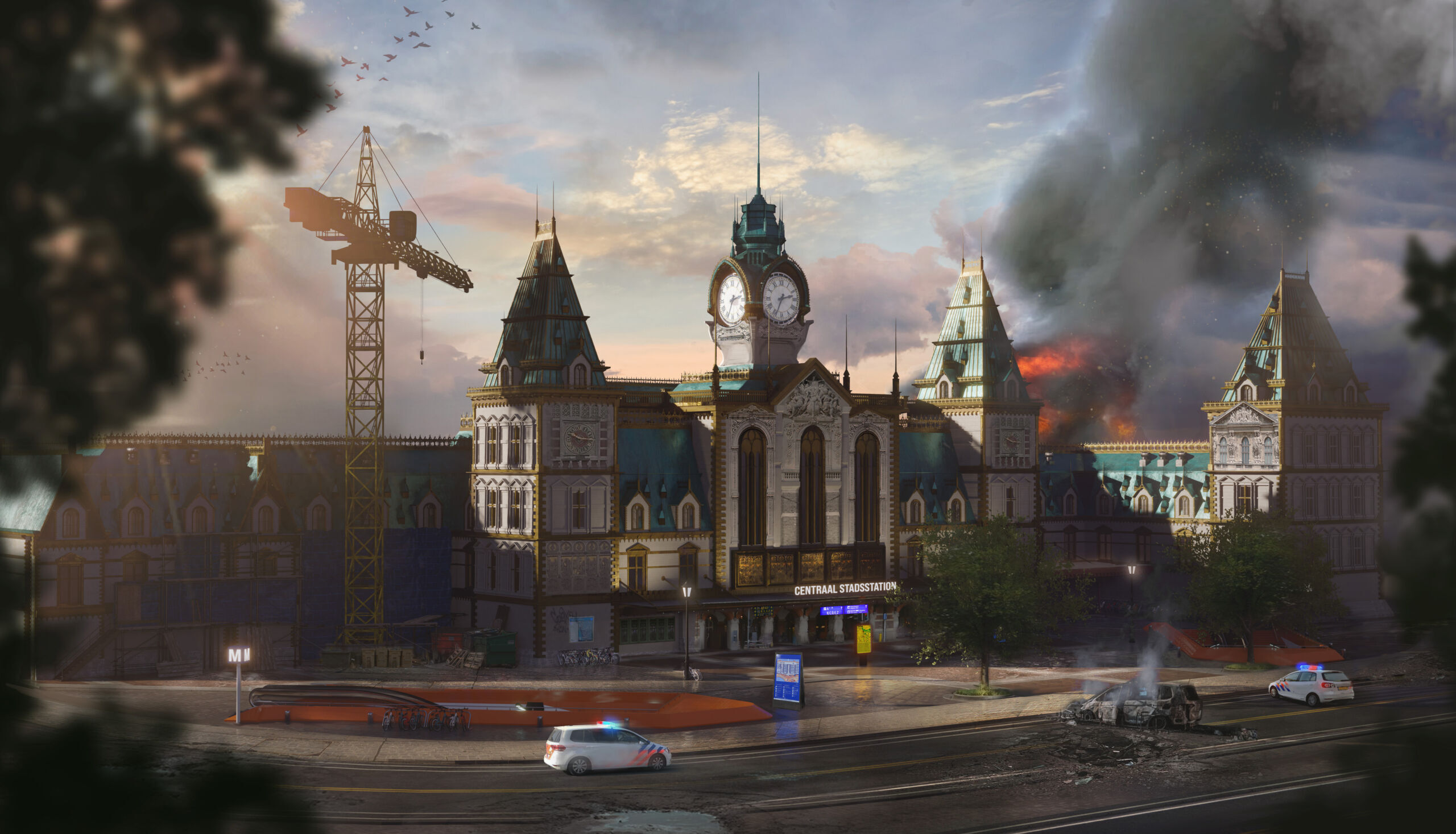
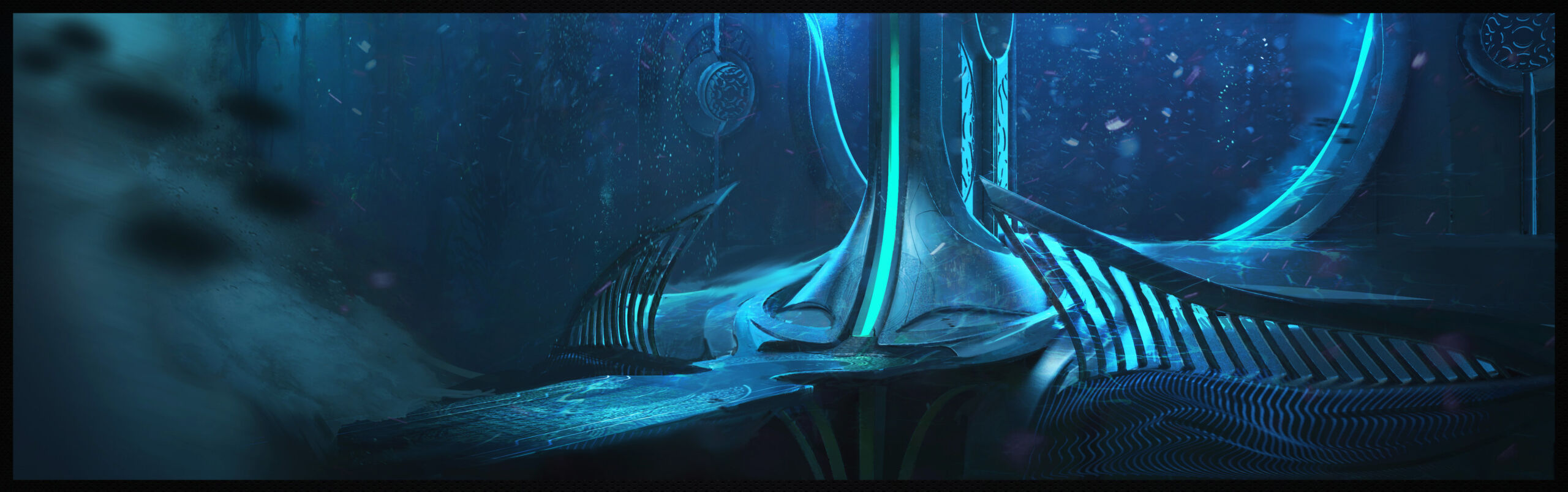
Join experienced concept artist Colin Quigley as he guides you through the world of 3D for concept art using Blender. Drawing from his own experiences and struggles from when he was a beginner, Colin shares the essential techniques and insights that helped him navigate the early challenges of learning 3D.
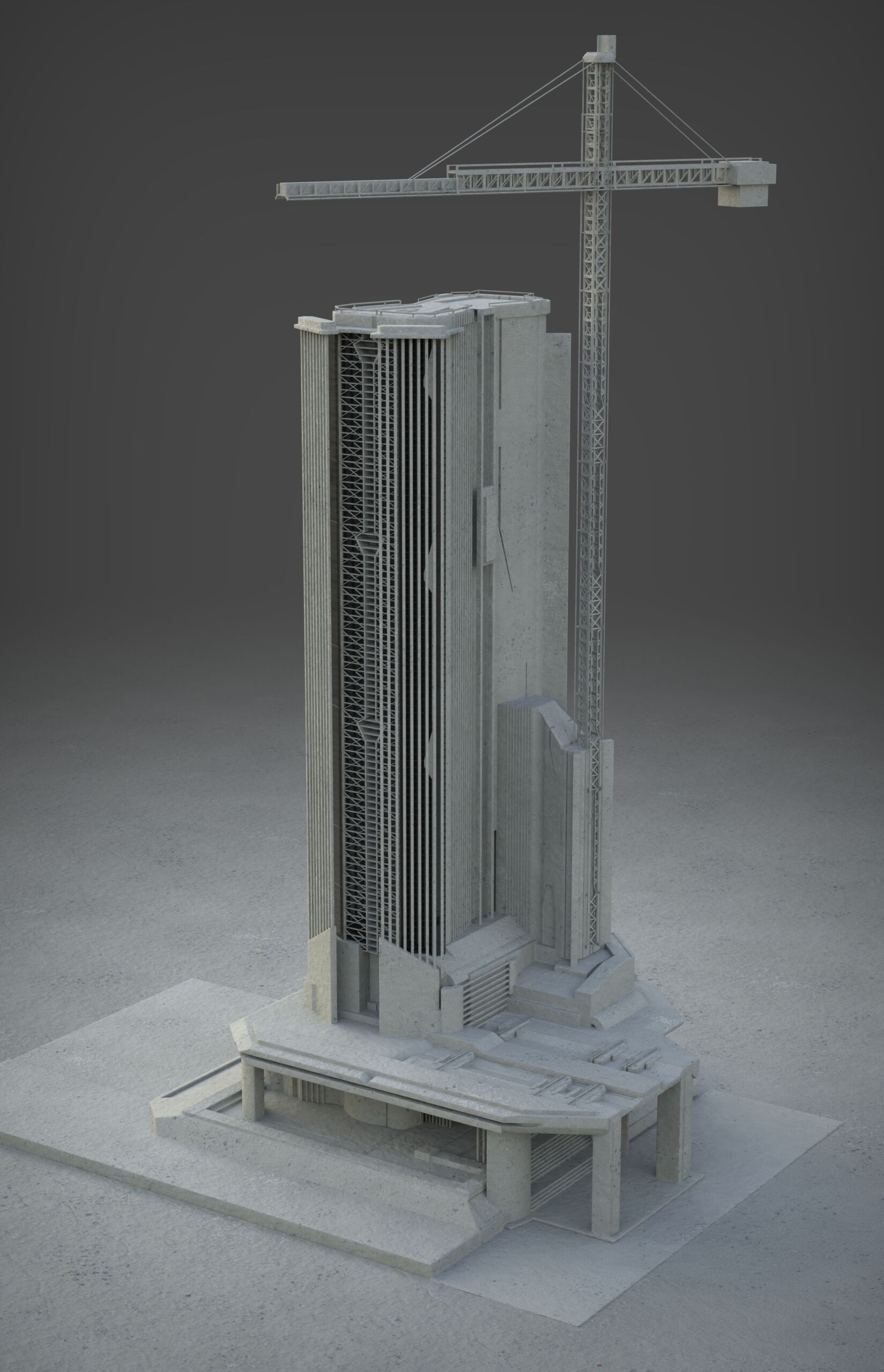
This course is designed for students new to 3D, focusing on how to integrate Blender into your 2D workflow to enhance your creative process. You’ll explore key features such as modeling, texturing, and rendering, and see how these tools support the development of strong initial designs.
Colin will demonstrate practical applications of 3D that can elevate your concept work, offering the same tips that made Blender click for him. By the end, you’ll have the skills and confidence to incorporate 3D into your artwork, bridging the gap from concept art to 3D model and expanding your visual storytelling abilities.
Perks & Benefits
- Additional feedback outside class hours - Between classes, you can submit your assignments (even as works-in-progress) on our Moodle platform and receive personalized feedback from your instructor to ensure steady progress.
- Access to class recordings All of our classes are recorded, ensuring that regardless of your time zone or schedule constraints, you have access to lectures, demos, feedback on your work, and resources. Access to these recordings is available for up to 2 months after the class ends.
- Module synergy & preferred rates Maximize your learning experience! If you choose to take 3, 4, or 5 classes within the same module, you will automatically unlock discounted rates and other exclusive benefits. For more information, visit our Intensive Fundamentals Module page.
- Course Type Online Concept Art Classes
- Duration 10 Weeks
-
Skill Level
Level 2 Level 2
Second level classes are for students who have a good foundation in the basics of realistic drawing (such as perspective, proportion, shading and colour theory) and already know how to use Photoshop, but need more in-depth knowledge to create professional and complex artwork.
This level is about expanding knowledge, strengthening skills, and transitioning to the world of concept art and illustration.
- Language English
Schedule
Note: This class will be offered online only
Online - Fall 2026 - Sundays from 5 PM to 7 PM* EDT - Starts October 4th - 10 weeks with Colin Quigley
Online - Spring 2027 - TBD - 10 weeks with Colin Quigley
Please note that we observe Daylight Saving Time, so classes may shift from Eastern Daylight Time (EDT) UTC−4 to Eastern Standard Time (EST) UTC−5 or vice versa during the term.
If you are unable to attend the live online class, you will still have access to video recordings of the class lectures and will still receive personalized feedback from your instructor. However, for Onsite Classes there will be no recordings provided.
It should be noted that students should set aside a minimum of 3 hours per week to complete assignments for this class. Students may even require a bit more time (4-5 hours per week) depending on how quickly they can work through assignments.
*Please note that this class' duration is subject to change (to either 2 hours or 3 hours) depending on the number of enrolled students.
Pre-Requisites
Skill requirements
To enroll in this course you should have:
- Intermediate drawing and digital painting skills (use of proper perspective, proportions, shading and colour).
- Proficiency in Photoshop.
- Ideally completed our Intro to Digital Painting and Analytical Drawing classes or have equivalent practice/experience.
If you are unsure of your skill level, please contact [email protected] for additional guidance.
Language and age requirements
You should have at least intermediate level English to take this class. Please also note that Syn Studio’s classes are targeted towards adults and students should be 16 years or older to enroll.


Required Materials
You need to have a desktop computer or laptop with Photoshop installed and a tablet sensitive to pen pressure (such as a Wacom tablet). Or you need a tablet-computer with Photoshop installed that is sensitive to pen pressure (such as the Cintiq Companion).
Photoshop and Blender must be installed and working properly BEFORE the first class, as well as your Wacom tablet. We will not have time to resolve technical issues in class.
Programs Taught: Blender (free), Blender Add-Ons (Paid), 3D Coat (free trial) Plasticity (free trial) Zbrush Core Mini (free), Daz3D (free) adobe mixamo (free) Marvelous Designer (free trial) Photoshop/Procreate/Clip Studio Paint (Any simple drawing software will do)
(Students should not install free trials until instructed as they may expire before they are covered in the course.)
Tech Requirements for Attending Syn Studio Online Classes
Minimum Requirements
- A strong uninterrupted broadband wired or wireless (3G or 4G/LTE) connection with a minimum 600kbps bandwidth (up/down).
- A Laptop/Desktop computer equipped with a single core processor (at least 1 GHZ processing speed) or a smartphone/tablet with equivalent processing capabilities
- Good speakers/earphones to listen to the classes
- Browser - IE7+, Safari 5+, Firefox, Chrome
- Operating System - Windows XP, Mac OS 10.6, Linux distro based on 3.0 kernel, Android 5.0, iOS 10
Syn Studio Recommendations
- A strong uninterrupted broadband wired or wireless (3G or 4G/LTE) connection with a minimum 1.5Mbps bandwidth (up/down). You can also connect to the internet directly using your ethernet cable to improve your experience.
- Laptop/Desktop computer equipped with a dual core processor with at least 2 GHZ processing speed and a 4 GB RAM
- High Quality speakers/earphones to listen to the classes
- Browser & Operating System - We recommend using the latest version of the browser and operating system for an optimal online classroom experience.
Course Outline
Week 1: Introduction to Blender and basic 3D modeling - Lecture + Blender Basics Part 1
Week 2: Class Project Introduction + Design Process (Idea->Reference->Greybox workflow) + Blender Basics Part 2
Week 3: Asset Creation 01 - Asset Library, Materials, Making our first Asset
Week 4: Asset Creation 02- Intro to 3D Coat
Week 5: Asset Creation 03- Intro to DAZ 3D, Zbrush, and Marvelous Designer
Week 6: Final Scene 01 - Creating Terrain, Water, Scattering
Week 7: Final Scene 02 - Light and Composition
Week 8: Final Scene 03 - Blender Add-Ons
Week 9: Rendering, Color Grading, Photo-texturing, and Paint-Over
Week 10: Feedback, Paint-overs, Presentation Tips, Further Resources
Registration
You will soon receive an email receipt for your purchase.
Please bring a photo ID for the first day of class.
Your transaction was not completed. Please try again. If the problem persists, please email us at [email protected] or call us at 514-998-7625
Questions and Assistance
Feel free to send us an email at [email protected] or give us a call at 514-998-7625
Please consult our FAQ; most of the commonly asked questions are answered in detail there. If you cannot find the answer to your question, please feel free to fill out the form below, or, send an email to [email protected]