


Unreal Engine 5 for Concept Artists: Foundations
Unlock a powerful tool with Unreal Engine.
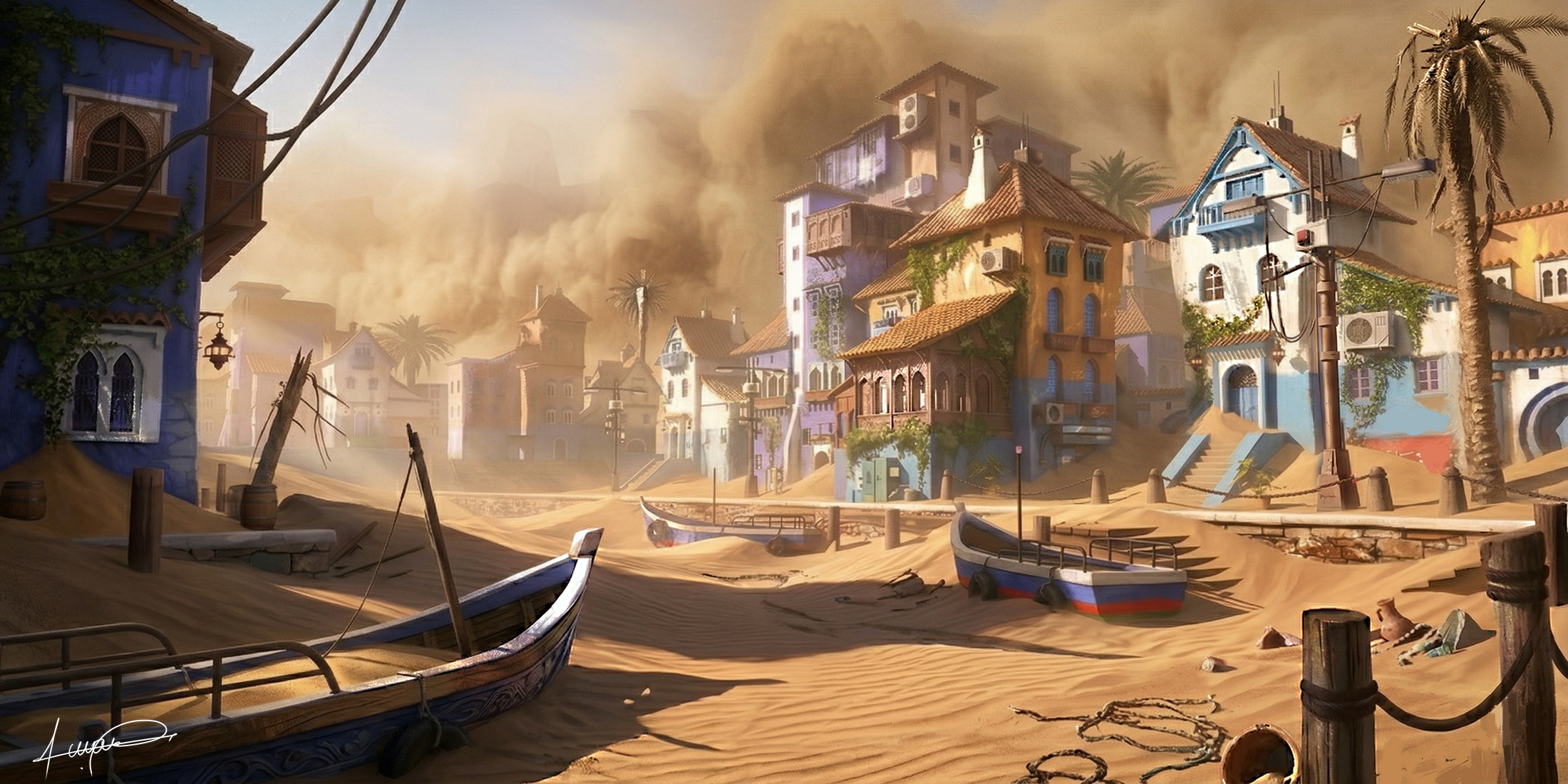
Teacher Artwork by Reda Amarti

Unreal Engine 5 for Concept Artists: Foundations
Discover how to integrate real-time rendering into your visual development workflow to significantly speed up your production and bring your work up to modern industry standards. This course approaches Unreal Engine 5 not as a game development engine, but as a virtual studio designed for visual artists: a creative space to quickly iterate on compositions, sculpt light, build atmosphere, and tell stories through environment design.
Over the course of 10 weeks, students develop a single, comprehensive environment project, progressing step-by-step from a simple geometric blockout to a polished, portfolio-ready concept art piece. You will learn how to structure a scene, leverage existing asset libraries (such as Cargo Basics, Fab, and Quixel Megascans), master dynamic real-time lighting with Lumen, and refine your shots with a director’s cinematic eye.
- Course Type Online Concept Art Classes
- Duration 10 weeks
-
Skill Level
Level 4 Level 4
This expert-level is for students who are ready to boost their portfolio and design process to a professional level.
This level is about discovering and diving deeper into new tools (such as 3D), further polishing and rendering work and exploring professional pipelines of the entertainment industry.
- Language English
Schedule
Note: This class will be offered online only
Online - Winter 2027 - Sundays from 10 AM to 12 PM* EST - Starts January 17th - 10 weeks with Reda Amarti
Online - Spring 2027 - TBD - 10 weeks with Reda Amarti
Please note that we observe Daylight Saving Time, so classes may shift from Eastern Daylight Time (EDT) UTC−4 to Eastern Standard Time (EST) UTC−5 or vice versa during the term.
If you are unable to attend the live online class, you will still have access to video recordings of the class lectures and will still receive personalized feedback from your instructor. However, for Onsite Classes there will be no recordings provided.
It should be noted that students should set aside a minimum of 3 hours per week to complete assignments for this class. Students may even require a bit more time (4-5 hours per week) depending on how quickly they can work through assignments.
*Please note that this class' duration is subject to change (to either 2 hours or 3 hours) depending on the number of enrolled students.
Prerequisites
Skill requirements
To enroll in this course you should have:
- Basic familiarity with 3D concepts and navigation in a 3D application such as Blender, Maya, 3ds Max, or equivalent is recommended.
- No previous Unreal Engine experience is required.
- A basic understanding of composition, color, perspective and visual storytelling is recommended, but advanced drawing skills are not required.
- Ideally completed our Blender Fundamentals class or have equivalent practice/experience.
If you are unsure of your skill level, please contact [email protected] for additional guidance.
Language and age requirements
You should have at least intermediate level English to take this class. Please be advised that there could be artistic nudity in our classes. Students should be 14 years old to enroll.
Minimum Artistic Skills Required
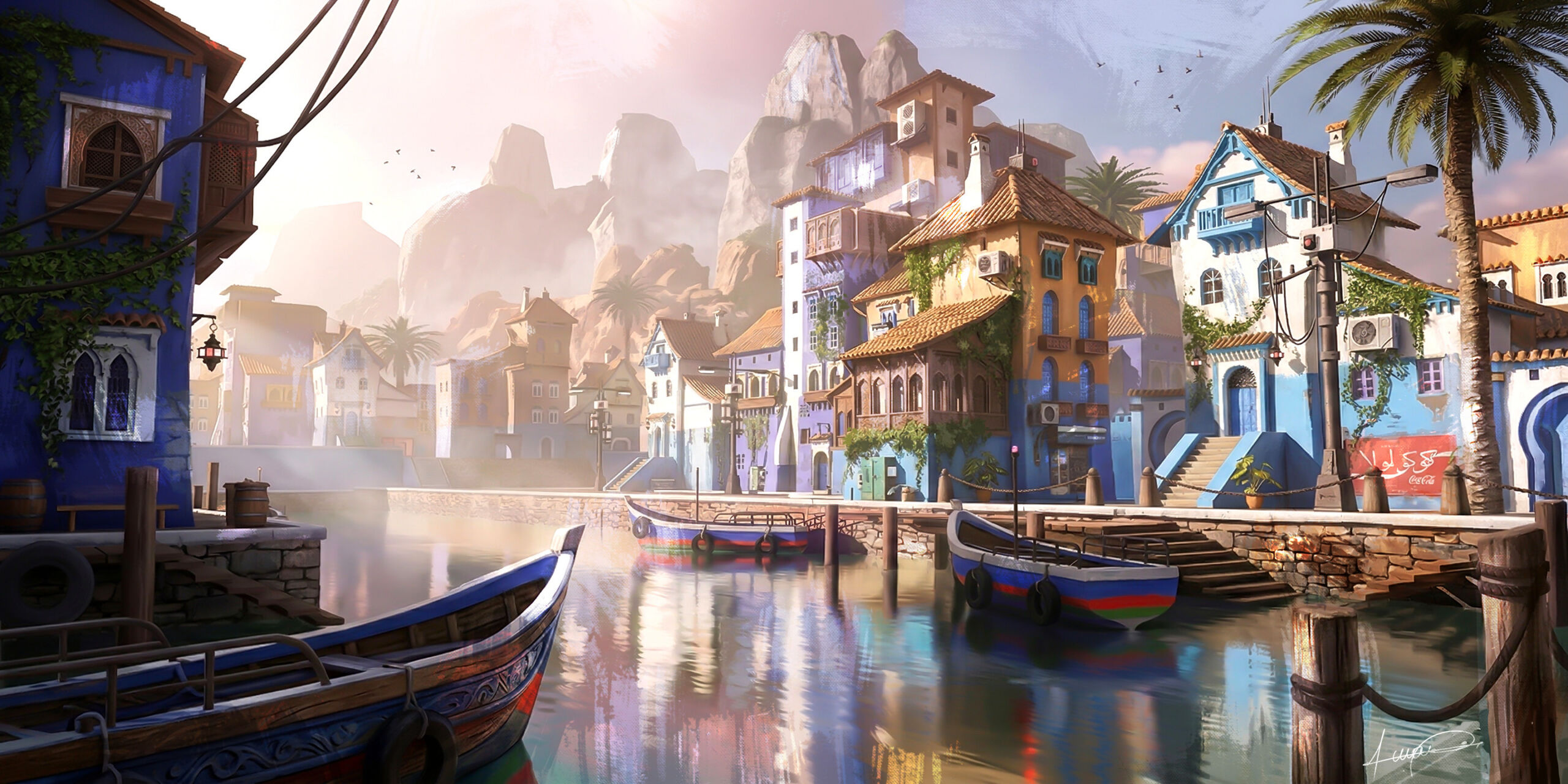
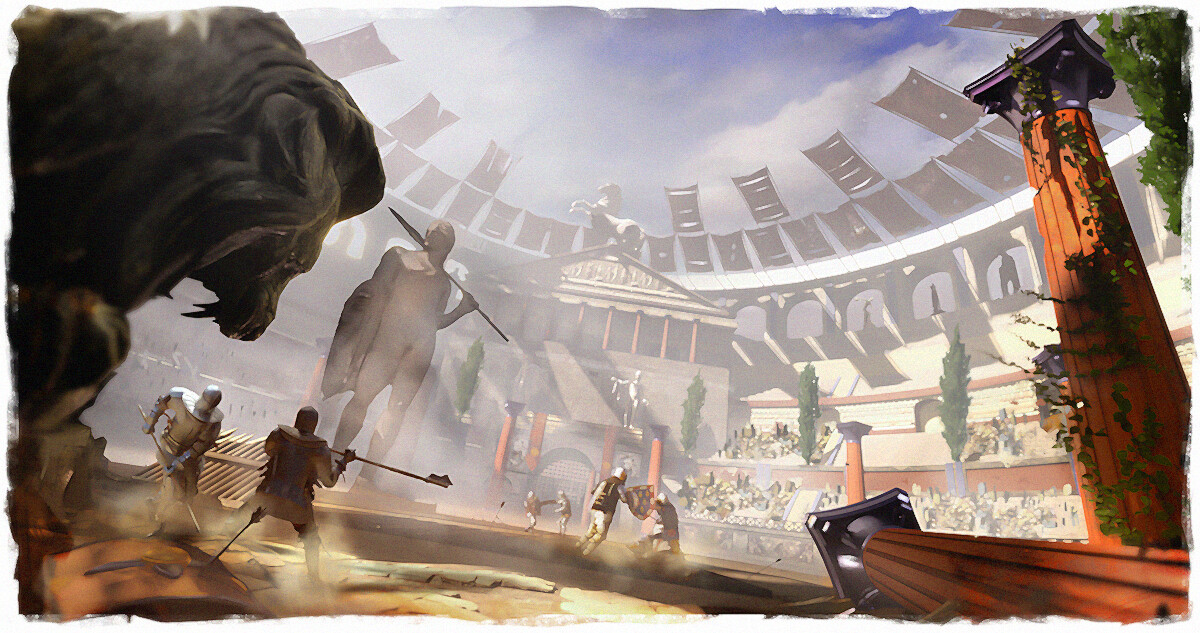
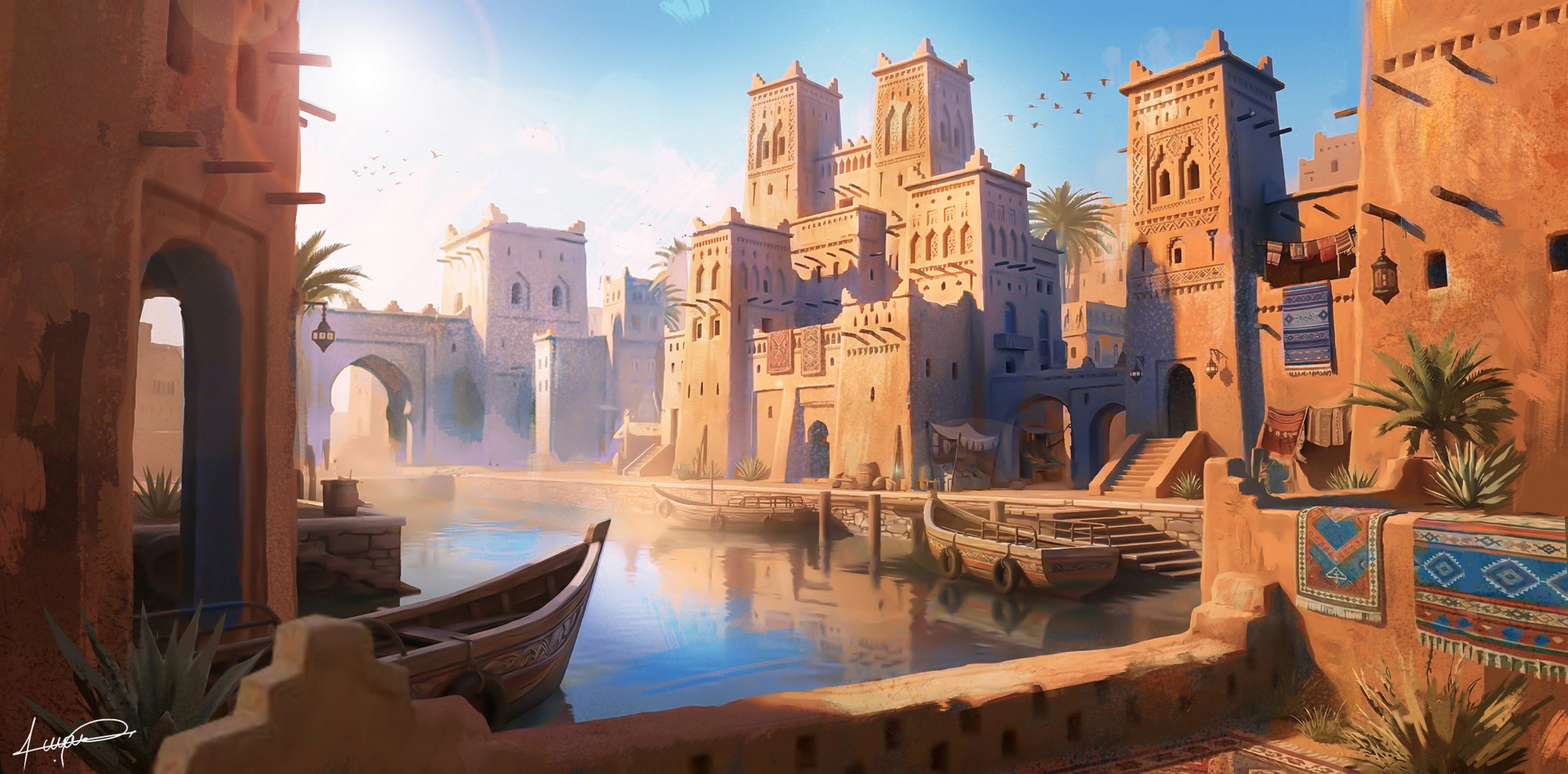
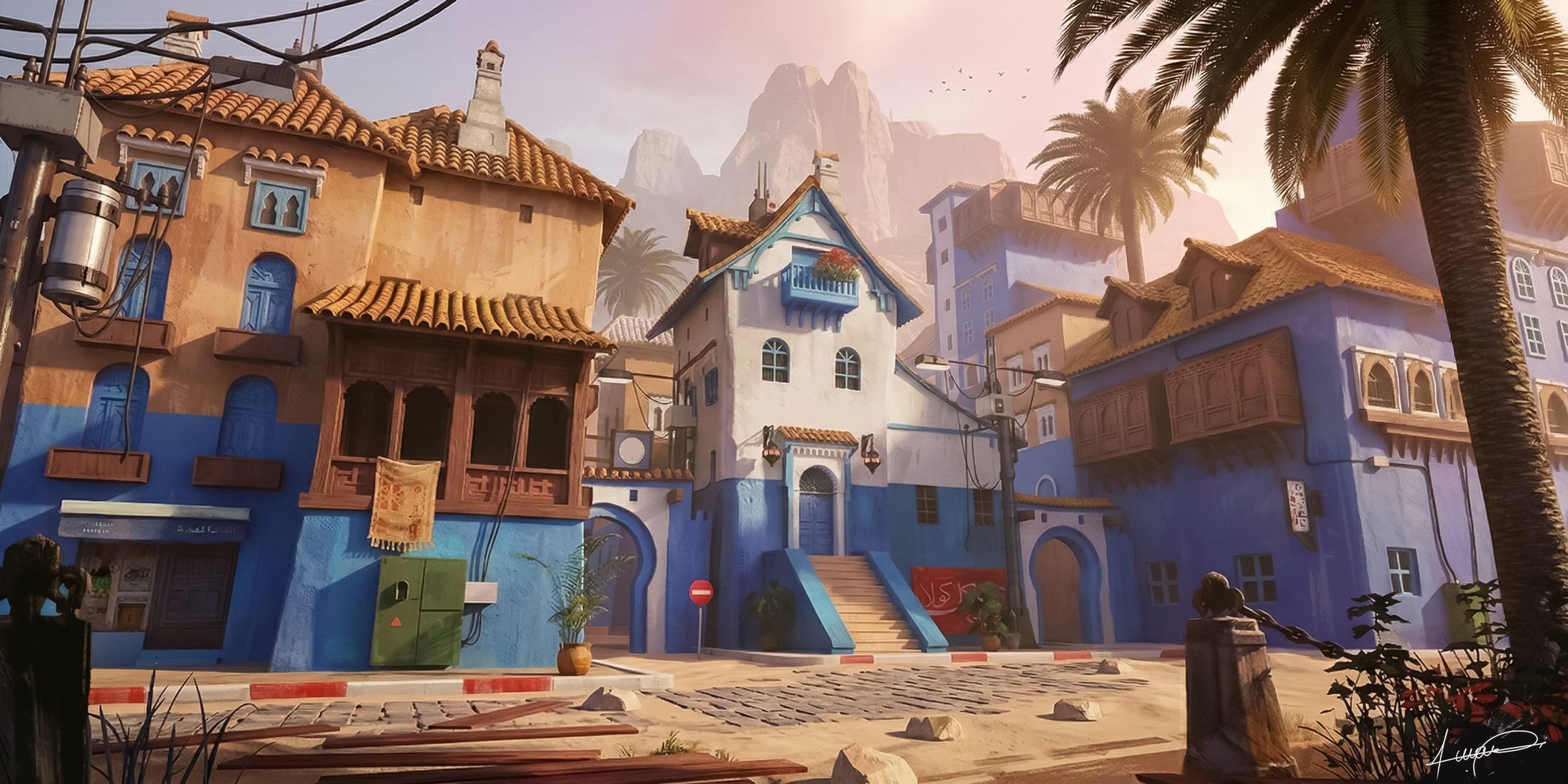
Your current skill level should roughly be on par with the artwork featured here before taking this class. If you are still unsure, please send an email to [email protected]; we will be happy to assess your artwork!





Required Materials
Material List:
- A desktop computer or laptop computer ideally with Photoshop installed (OR a similar digital painting program)*
- A graphic tablet with pressure sensitivity (from brands such as Wacom, Huion, or Xencelabs), OR a tablet-laptop hybrid (also with Photoshop installed) with pressure sensitivity (such as the Wacom Cintiq Companion or Microsoft Surface Pro).
* Please note that teachers cannot provide any assistance with other programs, and they may not possess the same functions as those found in Photoshop. For more information and to learn how to acquire Photoshop, please consult our FAQ.
Also, please bring a sketchbook and a HB pencil.
Tech Requirements for Attending Syn Studio Online Classes
Minimum Requirements
- A strong uninterrupted broadband wired or wireless (3G or 4G/LTE) connection with a minimum 600kbps bandwidth (up/down).
- A Laptop/Desktop computer equipped with a single core processor (at least 1 GHZ processing speed) or a smartphone/tablet with equivalent processing capabilities
- Good speakers/earphones to listen to the classes
- Browser - IE7+, Safari 5+, Firefox, Chrome
- Operating System - Windows XP, Mac OS 10.6, Linux distro based on 3.0 kernel, Android 5.0, iOS 10
Syn Studio Recommendations
- A strong uninterrupted broadband wired or wireless (3G or 4G/LTE) connection with a minimum 1.5Mbps bandwidth (up/down). You can also connect to the internet directly using your ethernet cable to improve your experience.
- Laptop/Desktop computer equipped with a dual core processor with at least 2 GHZ processing speed and a 4 GB RAM
- High Quality speakers/earphones to listen to the classes
- Browser & Operating System - We recommend using the latest version of the browser and operating system for an optimal online classroom experience.
Course Outline
*Please note that the following outline is subject to change slightly at the teacher's discretion.
Week 1 — Getting Started with Unreal Engine
Installation, interface, navigation and Unreal fundamentals.
Assignment: Create a simple scene using primitive shapes.
Week 2 — Blockout & Composition
Grayboxing, scale, composition, camera and basic environment lighting.
Assignment: Create several rough compositions and select one to develop.
Week 3 — Building an Environment with Existing Assets
Using Fab, Megascans and other asset libraries to transform the blockout into an environment.
Assignment: Begin replacing the blockout with selected environment assets.
Week 4 — Materials & Basic Asset Customization
Basic PBR materials, Material Instances and simple asset variations.
Assignment: Customize materials and assets to support the chosen visual direction.
Week 5 — Lighting & Mood
Lumen, real-time lighting and developing different moods.
Assignment: Create two lighting scenarios and select one.
Week 6 — Atmosphere, Depth & Color
Atmosphere, fog, volumetric clouds, post-processing and color.
Assignment: Establish the final atmosphere and color palette.
Week 7 — Visual Storytelling
Set dressing, focal points and environmental storytelling.
Assignment: Add narrative elements and refine the environment.
Week 8 — Composition, Camera & First Final Shots
Camera refinement, composition and final lighting adjustments.
Assignment: Produce several near-final shots and select the strongest.
Week 9 — Final Polish & Rendering
Final lighting, materials, atmosphere, rendering and optional Photoshop paintover.
Assignment: Produce the final portfolio image.
Week 10 — Final Critique & Presentation
Final critique, feedback and presentation of the completed work.
Registration
You will soon receive an email receipt for your purchase.
Please bring a photo ID for the first day of class.
Your transaction was not completed. Please try again. If the problem persists, please email us at [email protected] or call us at 514-998-7625
Questions and Assistance
Feel free to send us an email at [email protected] or give us a call at 514-998-7625
Please consult our FAQ; most of the commonly asked questions are answered in detail there. If you cannot find the answer to your question, please feel free to fill out the form below, or, send an email to [email protected]